> ## Documentation Index
> Fetch the complete documentation index at: https://docs.bibigpt.co/llms.txt
> Use this file to discover all available pages before exploring further.
# BibiGPT Desktop Native Menu Bar
> BibiGPT Desktop Native Menu Bar is one of the core features of BibiGPT. The BibiGPT desktop client has ushered in a major update, adding a native operating system menu bar aimed at improving user experience and operation efficiency. Learn about feature highlights, applicable scenarios, and usage suggestions to improve learning and content processing efficiency.
## Feature Overview
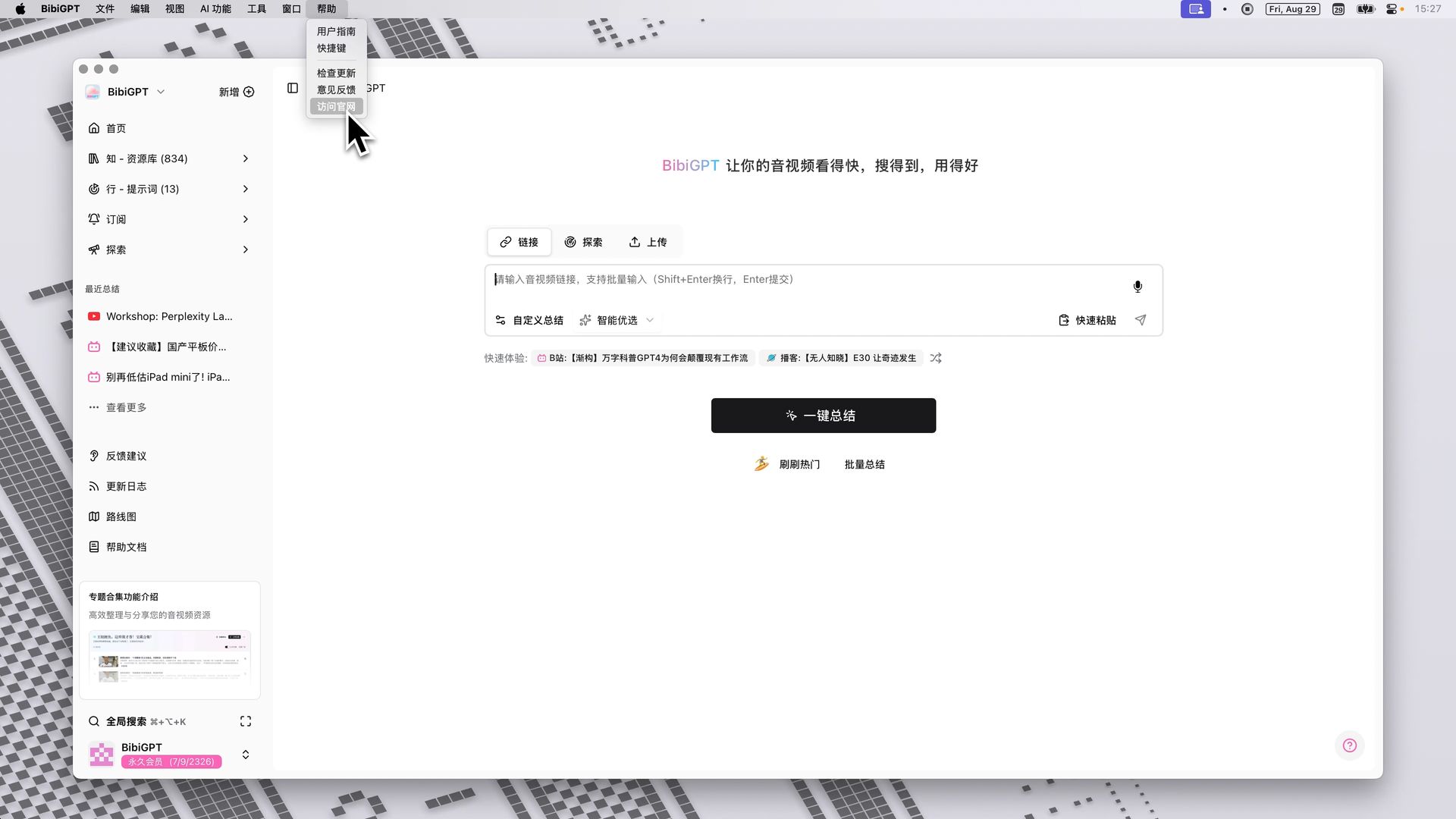
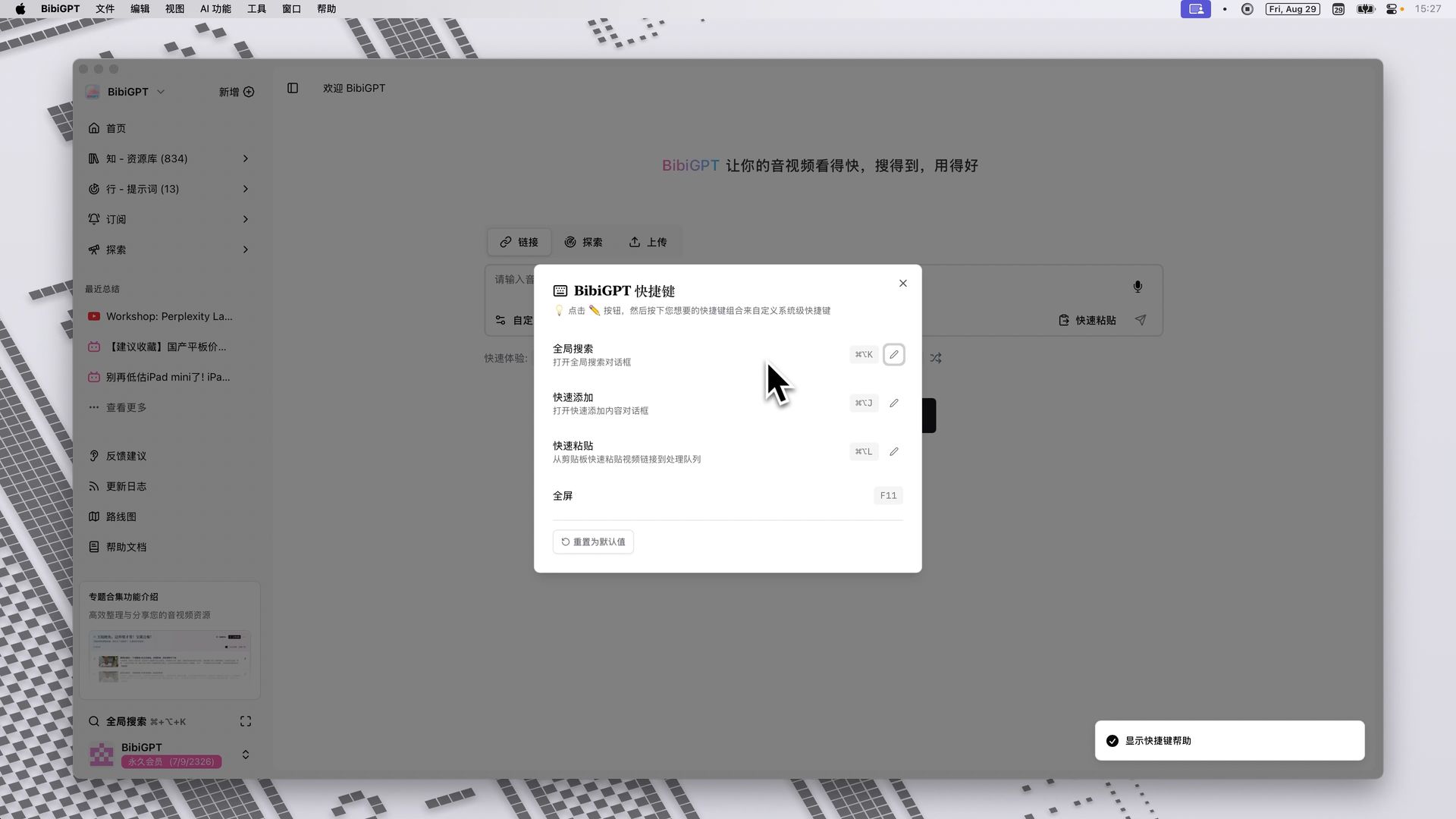
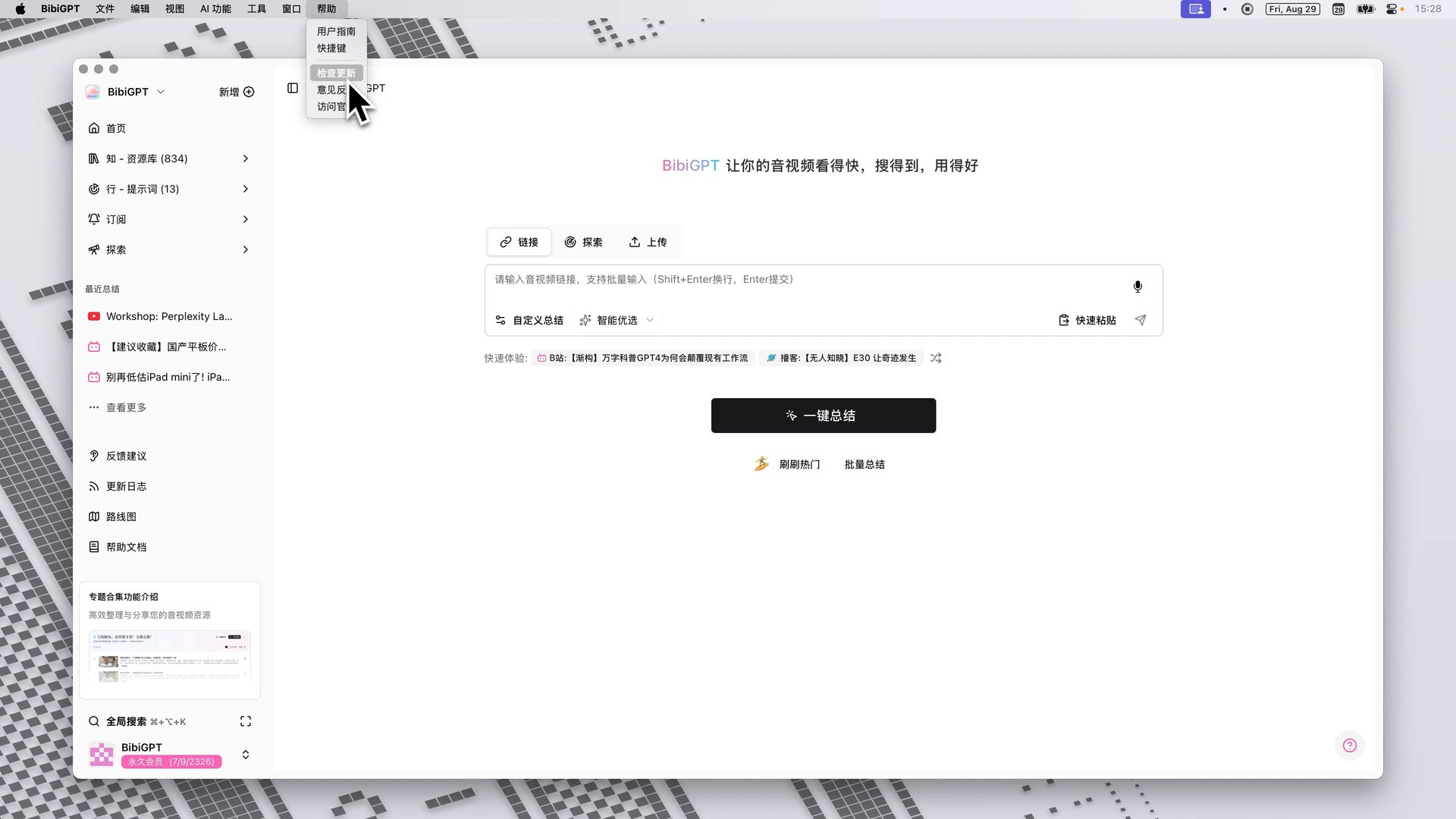
The BibiGPT desktop client has ushered in a major update, adding a native operating system menu bar aimed at improving user experience and operation efficiency. The new menu bar integrates common functions such as "User Guide", "Shortcut Configuration", "Check for Updates", and "Feedback" under the "Help" menu, making the interface cleaner and function searching more intuitive. At the same time, the menu bar also integrates quick entries for "AI Features" (such as quick summary, batch processing) and "Tools" (such as speech-to-text). This update makes the operation logic of the BibiGPT client closer to native desktop applications, bringing users a smoother and more focused experience.
Here is an example of the function interface:
 ## Solved Pain Points
I often need to look for the user guide, check for software updates, or configure shortcuts, but these options were previously either buried deep or scattered everywhere, making them inconvenient to find. Especially update prompts, which sometimes interfered with my main interface operations.
## Core Features
* The BibiGPT desktop client has ushered in a major update, adding a native operating system menu bar aimed at improving user experience and operation efficiency.
* The new menu bar integrates common functions such as "User Guide", "Shortcut Configuration", "Check for Updates", and "Feedback" under the "Help" menu, making the interface cleaner and function searching more intuitive.
* At the same time, the menu bar also integrates quick entries for "AI Features" (such as quick summary, batch processing) and "Tools" (such as speech-to-text).
* This update makes the operation logic of the BibiGPT client closer to native desktop applications, bringing users a smoother and more focused experience.
## Feature Highlights
The BibiGPT client now integrates a native operating system menu bar, unifying common functions such as user guides, shortcut settings, update checks, and feedback, while providing quick entries for AI features and tools, making the interface simpler and the operation experience more in line with native desktop application habits.
## Applicable Scenarios
* I often need to look for the user guide, check for software updates, or configure shortcuts, but these options were previously either buried deep or scattered everywhere, making them inconvenient to find.
* Especially update prompts, which sometimes interfered with my main interface operations.
## Related Features
## Solved Pain Points
I often need to look for the user guide, check for software updates, or configure shortcuts, but these options were previously either buried deep or scattered everywhere, making them inconvenient to find. Especially update prompts, which sometimes interfered with my main interface operations.
## Core Features
* The BibiGPT desktop client has ushered in a major update, adding a native operating system menu bar aimed at improving user experience and operation efficiency.
* The new menu bar integrates common functions such as "User Guide", "Shortcut Configuration", "Check for Updates", and "Feedback" under the "Help" menu, making the interface cleaner and function searching more intuitive.
* At the same time, the menu bar also integrates quick entries for "AI Features" (such as quick summary, batch processing) and "Tools" (such as speech-to-text).
* This update makes the operation logic of the BibiGPT client closer to native desktop applications, bringing users a smoother and more focused experience.
## Feature Highlights
The BibiGPT client now integrates a native operating system menu bar, unifying common functions such as user guides, shortcut settings, update checks, and feedback, while providing quick entries for AI features and tools, making the interface simpler and the operation experience more in line with native desktop application habits.
## Applicable Scenarios
* I often need to look for the user guide, check for software updates, or configure shortcuts, but these options were previously either buried deep or scattered everywhere, making them inconvenient to find.
* Especially update prompts, which sometimes interfered with my main interface operations.
## Related Features