> ## Documentation Index
> Fetch the complete documentation index at: https://docs.bibigpt.co/llms.txt
> Use this file to discover all available pages before exploring further.
# PPT Keyframe Extraction
> Extract lecture keyframes from scene changes in BibiGPT’s Study panel, with captions for each span, so you can skim a long class like slides.
## Overview
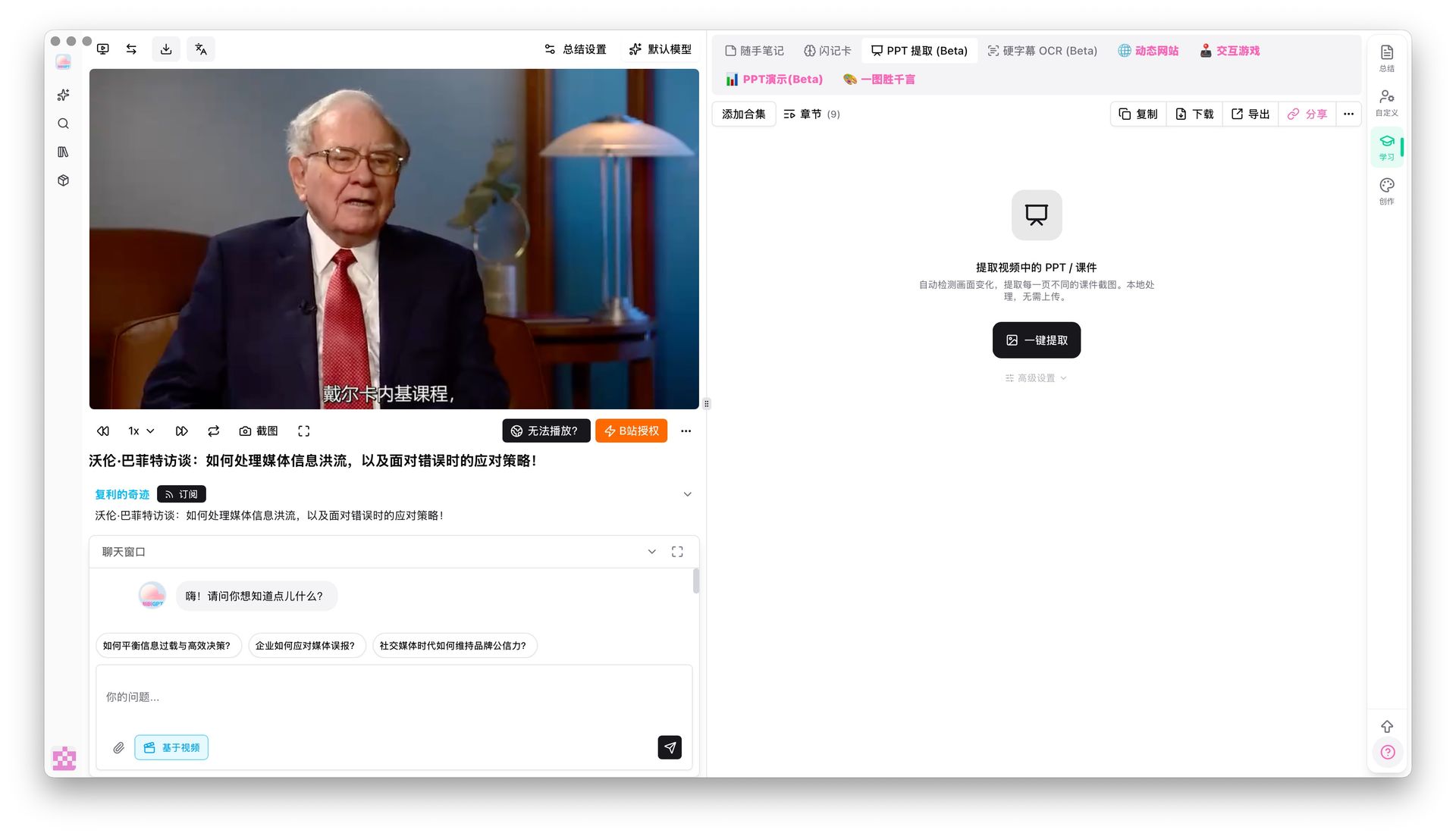
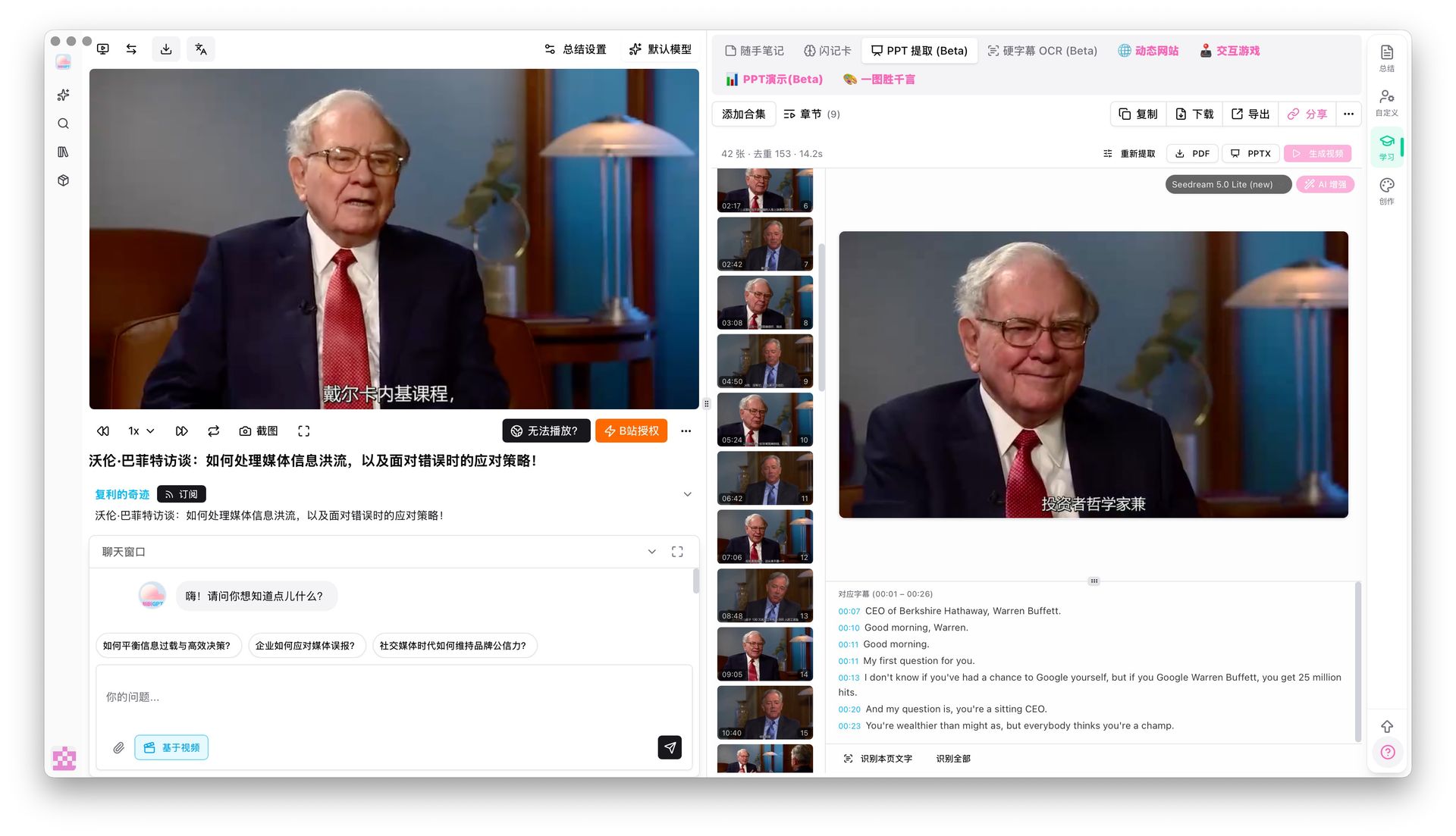
On a video page, open PPT extract (Beta) in the study panel and tap One-click extract. BibiGPT pulls distinct frames when the picture changes and groups the captions from that time span under each frame. Switch between PPT and APP views.
 ## Pain Point
Lecture videos are long and screenshotting slides by hand is slow. I want the core frames without watching every minute.
## Key Features
* One-click extract from the PPT extract (Beta) tab
* Frames follow real scene changes, not random stills
* Full captions for the span under each frame
* PPT and APP viewing modes
## Highlights
This keeps the original slides from the recording. It does not ask AI to invent a new deck.
## Use Cases
* Review a lecture that was mostly a slide deck
* Match a demo step’s picture with what was said
* Skim keyframes first, then watch only the sections that matter
## Tips
* Different from Generate PPT: extract keeps source frames; generate rewrites content
* Talking-head videos with little visual change yield fewer frames; slide or whiteboard classes work best
## Related Features
***
**Upgrade to Pro**: unlock more study and export tools → [Pricing](https://bibigpt.co/pricing)
## Pain Point
Lecture videos are long and screenshotting slides by hand is slow. I want the core frames without watching every minute.
## Key Features
* One-click extract from the PPT extract (Beta) tab
* Frames follow real scene changes, not random stills
* Full captions for the span under each frame
* PPT and APP viewing modes
## Highlights
This keeps the original slides from the recording. It does not ask AI to invent a new deck.
## Use Cases
* Review a lecture that was mostly a slide deck
* Match a demo step’s picture with what was said
* Skim keyframes first, then watch only the sections that matter
## Tips
* Different from Generate PPT: extract keeps source frames; generate rewrites content
* Talking-head videos with little visual change yield fewer frames; slide or whiteboard classes work best
## Related Features
***
**Upgrade to Pro**: unlock more study and export tools → [Pricing](https://bibigpt.co/pricing)