> ## Documentation Index
> Fetch the complete documentation index at: https://docs.bibigpt.co/llms.txt
> Use this file to discover all available pages before exploring further.
# PPT Presentation
> PPT Presentation is one of the core features of BibiGPT. BibiGPT has added the "" function aimed at solving the pain point of users wanting to digest audio and video content in a structured, presentation format. Learn about feature highlights, applicable scenarios, and usage suggestions to improve learning and content processing efficiency.
## Feature Overview
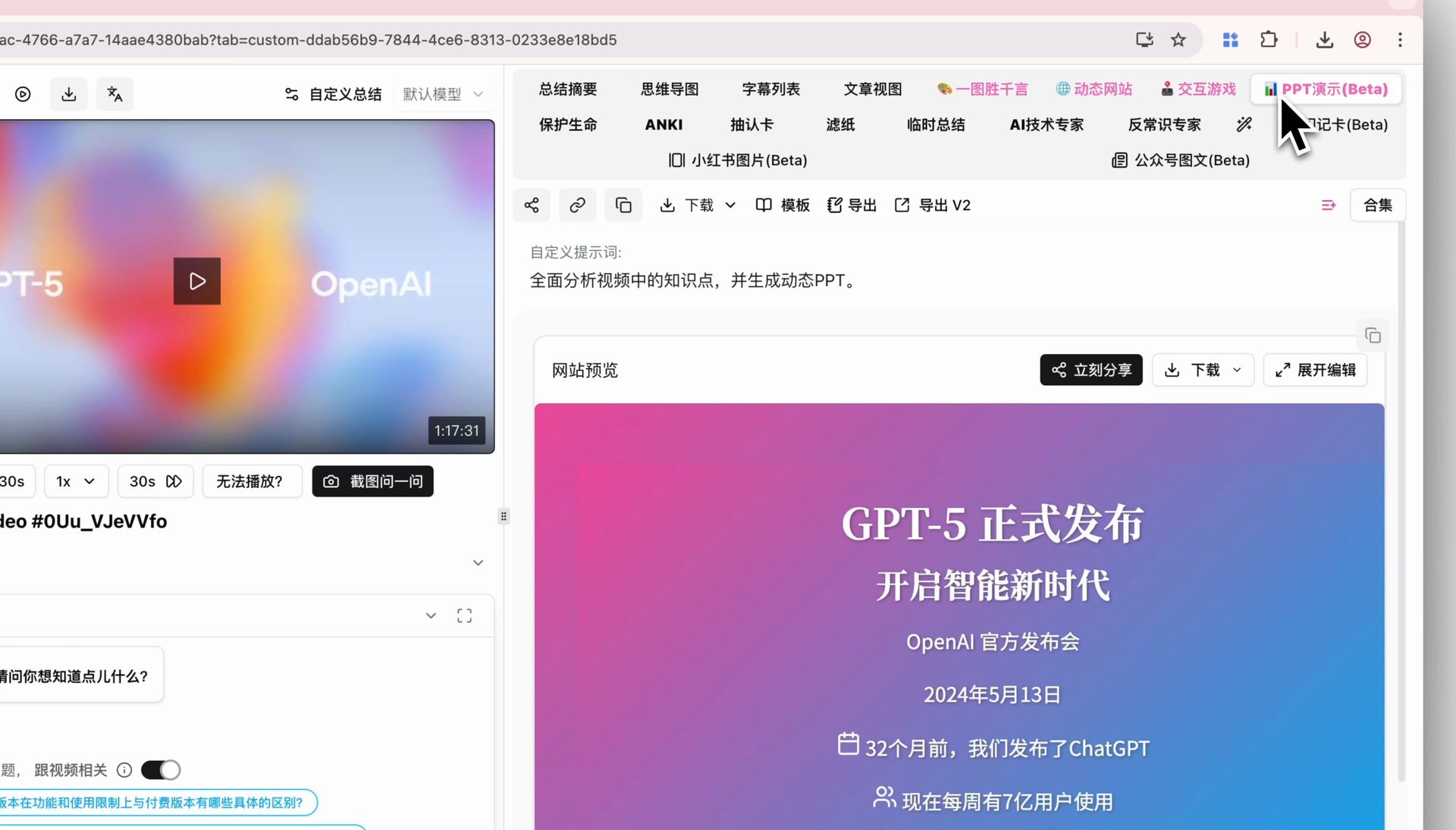
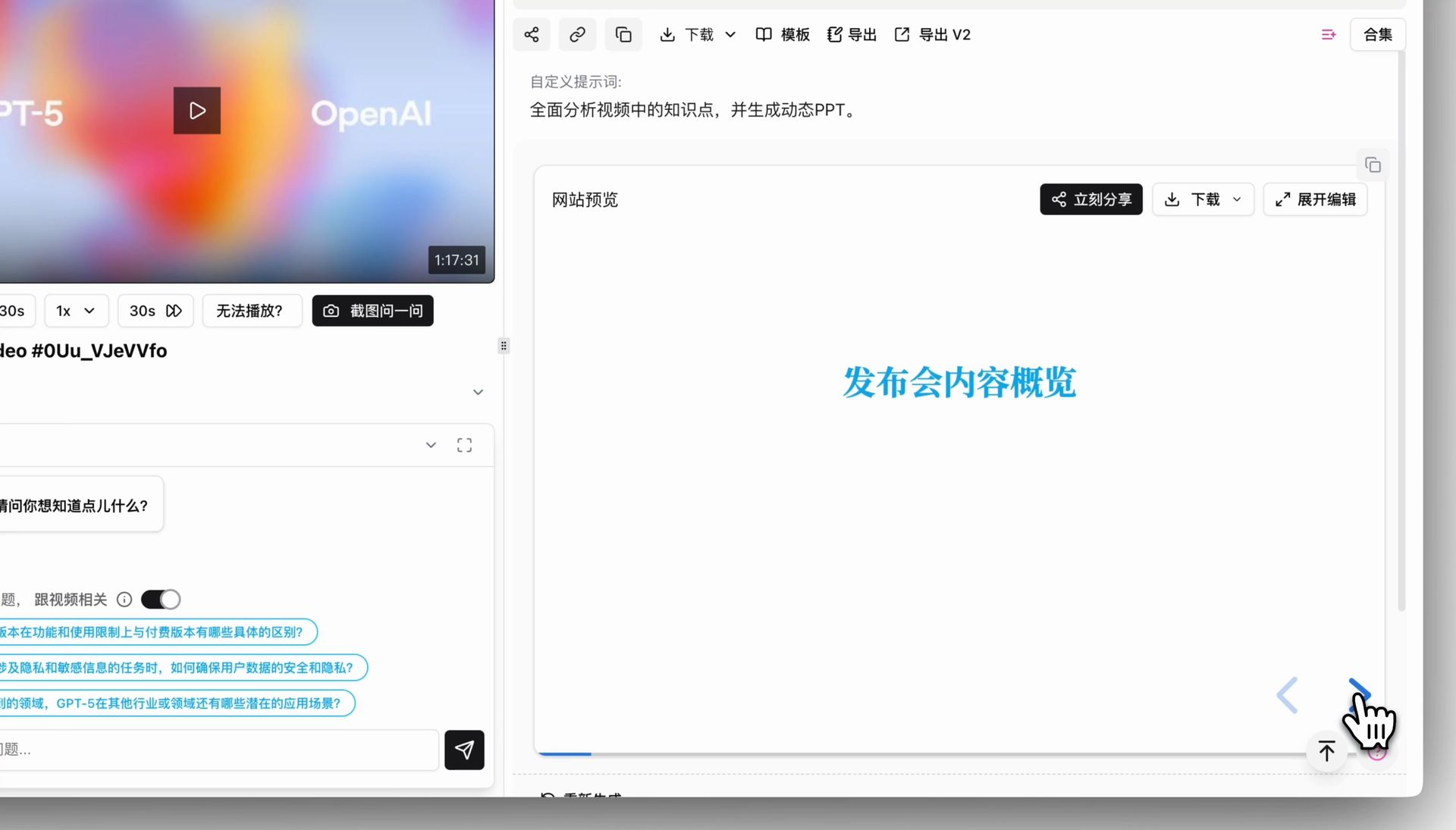
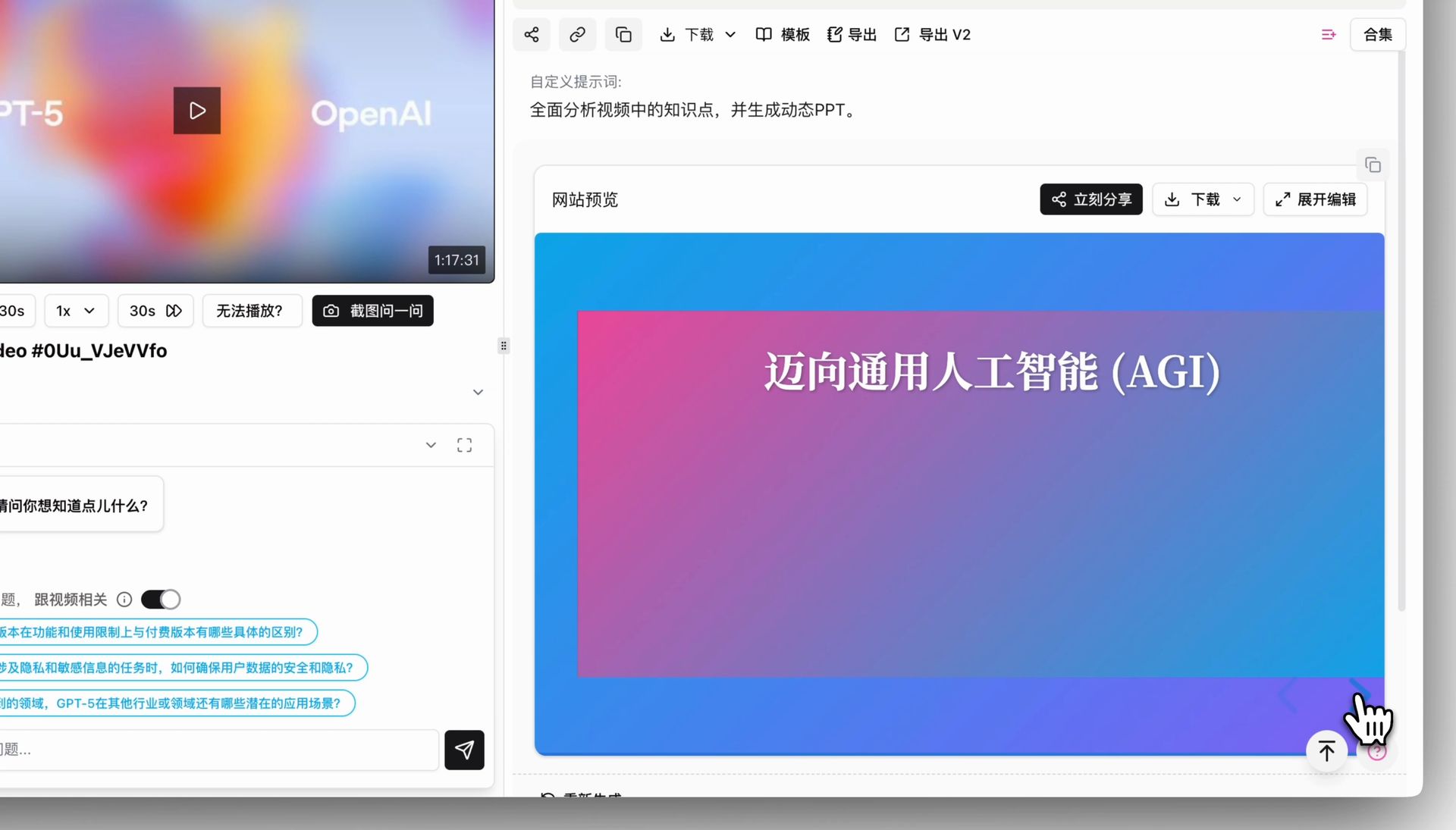
BibiGPT has added the "PPT Presentation" function, aimed at solving the pain point of users wanting to digest audio and video content in a structured, presentation format. Especially for professionals accustomed to PPT, this function provides a brand new learning method. On the audio and video summary detail page, click the pink "PPT Presentation (Beta)" tab in the upper right corner, and the AI will automatically generate core content into a dynamic, interactive PPT. Users can browse refined knowledge page by page and point by point by clicking arrows or using keyboard direction keys, achieving efficient and focused information absorption.
Here is an example of the function interface:
 ## Solved Pain Points
I want to learn and understand audio and video content in a more structured and focused way, just like flipping through a PPT page by page, instead of finding key points in a large amount of text. Especially as a professional, I have become accustomed to the information presentation style of PPT, but previously there were no tools that could directly turn video summaries into PPT.
## Core Features
* BibiGPT has added the "PPT Presentation" function to help users digest content in a presentation format.
* Particularly useful for professionals accustomed to PPT.
* In the summary details, click the "PPT Presentation (Beta)" tab to automatically generate an interactive PPT.
* Users can browse knowledge page-by-page for efficient and focused absorption.
## Feature Highlights
BibiGPT added the "PPT Presentation" function, which can turn AI summary content into a dynamic, page-flippable presentation with one click, allowing you to master core information structuredly and efficiently like viewing a PPT.
## Applicable Scenarios
* I want to learn and understand audio and video content in a more structured and focused way, just like flipping through a PPT page by page, instead of finding key points in a large amount of text.
* Especially as a professional, I have become accustomed to the information presentation style of PPT, but previously there were no tools that could directly turn video summaries into PPT.
## Usage Suggestions
* BibiGPT added the "PPT Presentation" function, which can turn AI summary content into a dynamic, page-flippable presentation with one click, allowing you to master core information structuredly and efficiently like viewing a PPT.
## Related Features
## Solved Pain Points
I want to learn and understand audio and video content in a more structured and focused way, just like flipping through a PPT page by page, instead of finding key points in a large amount of text. Especially as a professional, I have become accustomed to the information presentation style of PPT, but previously there were no tools that could directly turn video summaries into PPT.
## Core Features
* BibiGPT has added the "PPT Presentation" function to help users digest content in a presentation format.
* Particularly useful for professionals accustomed to PPT.
* In the summary details, click the "PPT Presentation (Beta)" tab to automatically generate an interactive PPT.
* Users can browse knowledge page-by-page for efficient and focused absorption.
## Feature Highlights
BibiGPT added the "PPT Presentation" function, which can turn AI summary content into a dynamic, page-flippable presentation with one click, allowing you to master core information structuredly and efficiently like viewing a PPT.
## Applicable Scenarios
* I want to learn and understand audio and video content in a more structured and focused way, just like flipping through a PPT page by page, instead of finding key points in a large amount of text.
* Especially as a professional, I have become accustomed to the information presentation style of PPT, but previously there were no tools that could directly turn video summaries into PPT.
## Usage Suggestions
* BibiGPT added the "PPT Presentation" function, which can turn AI summary content into a dynamic, page-flippable presentation with one click, allowing you to master core information structuredly and efficiently like viewing a PPT.
## Related Features