> ## Documentation Index
> Fetch the complete documentation index at: https://docs.bibigpt.co/llms.txt
> Use this file to discover all available pages before exploring further.
# BibiGPT Left Menu Function Guide
> This guide details the functions of the BibiGPT left vertical sidebar, including Home, Library, Tags, Subscription, and Explore.
The menu bar has now been fully upgraded with a brand new user interface (UI), making operation more intuitive and convenient. Below is a detailed introduction to the functions of the BibiGPT left vertical sidebar:
## 1 Main Function Area
### 1.1 Home
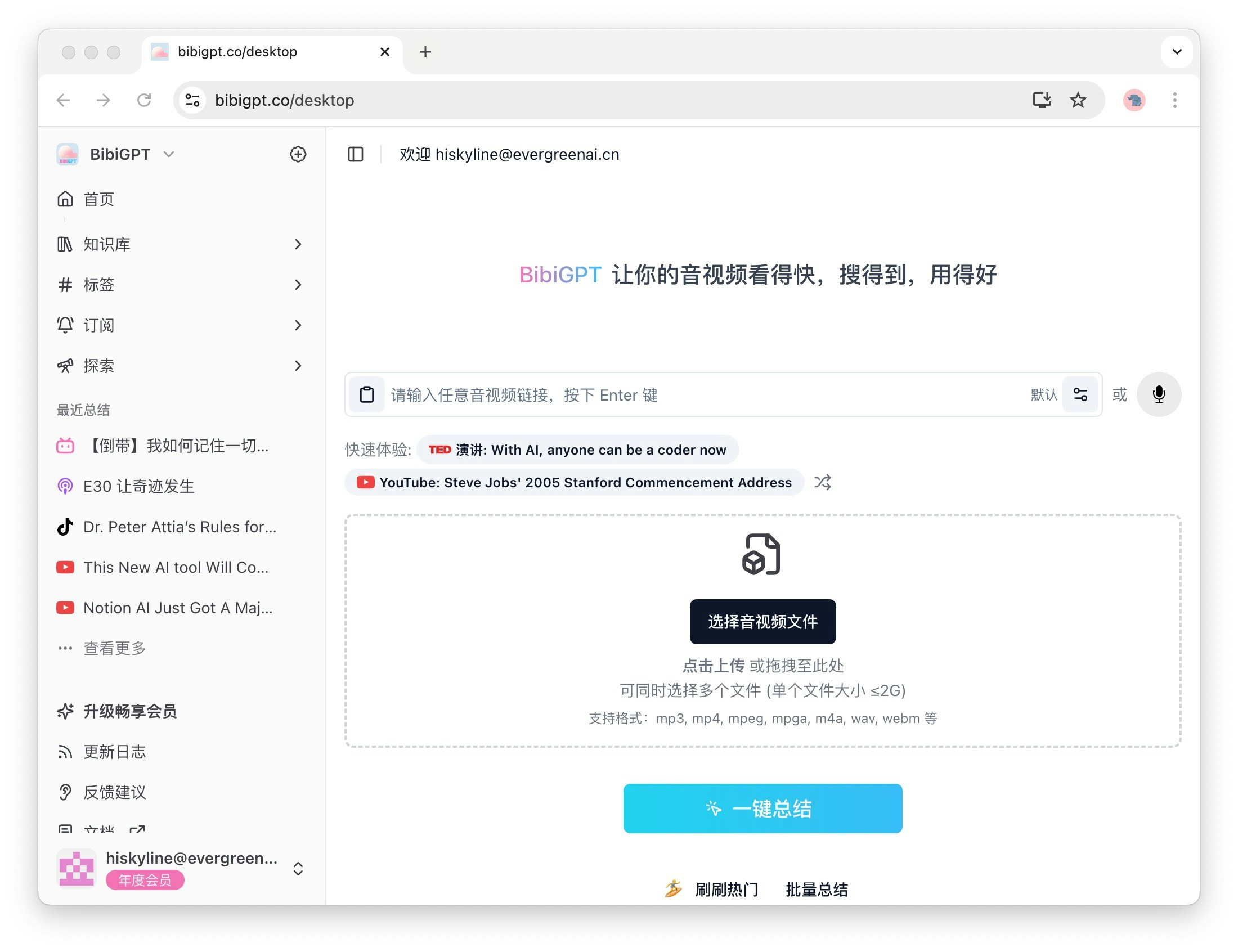
Home is the main entry point for audio and video summaries, where users can quickly access and manage their summary content. Whether it's learning materials or entertainment videos, Home provides you with a convenient access experience.
 ### 1.2 Library
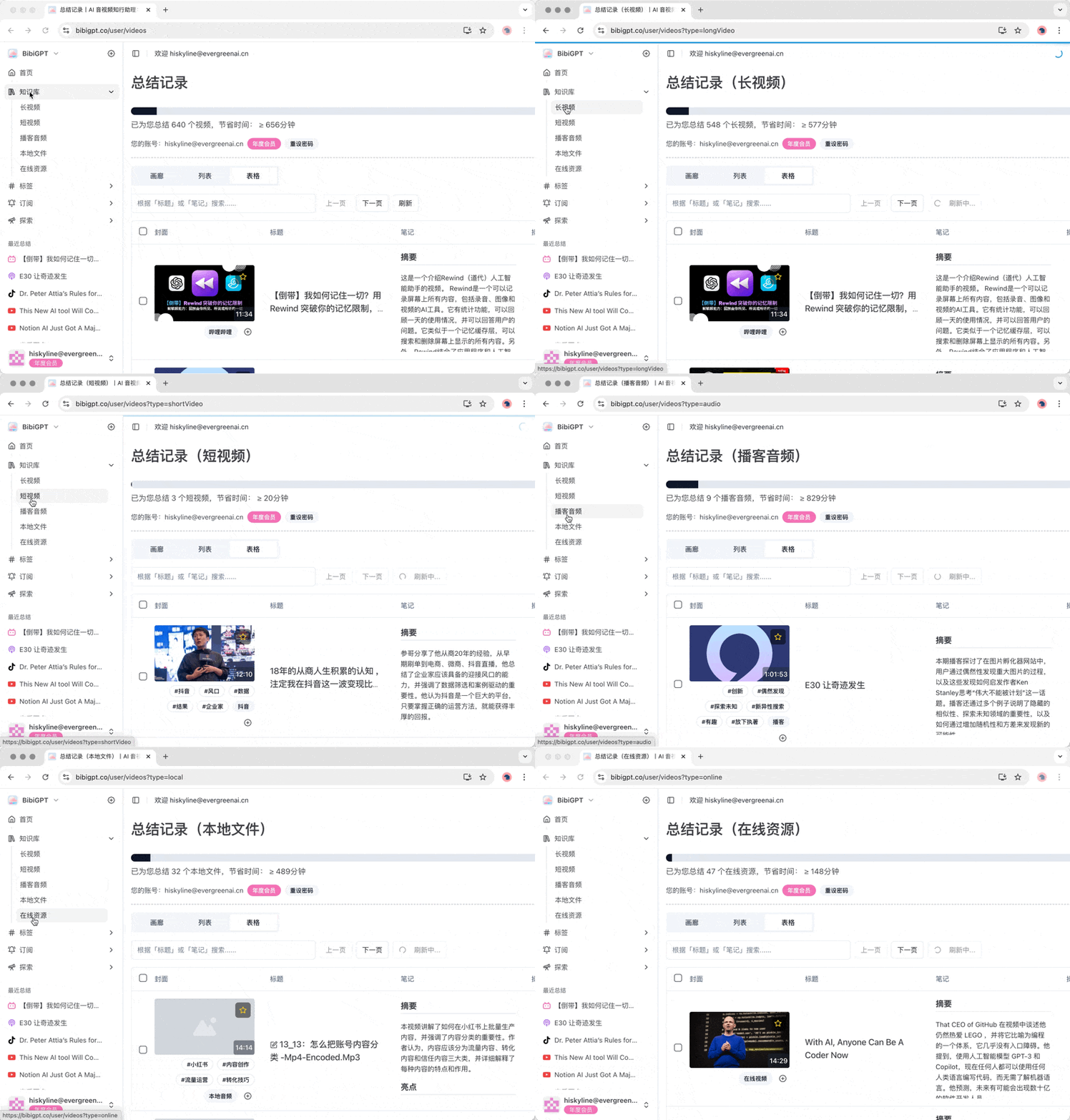
The Library is where the audio or videos you have summarized are stored. The secondary menu here includes Long Videos, Short Videos, Podcast Audio, Local Files, and Online Resources, making it convenient for you to quickly find the content you need and improve the efficiency of information retrieval.
### 1.2 Library
The Library is where the audio or videos you have summarized are stored. The secondary menu here includes Long Videos, Short Videos, Podcast Audio, Local Files, and Online Resources, making it convenient for you to quickly find the content you need and improve the efficiency of information retrieval.
 ### 1.3 Tags
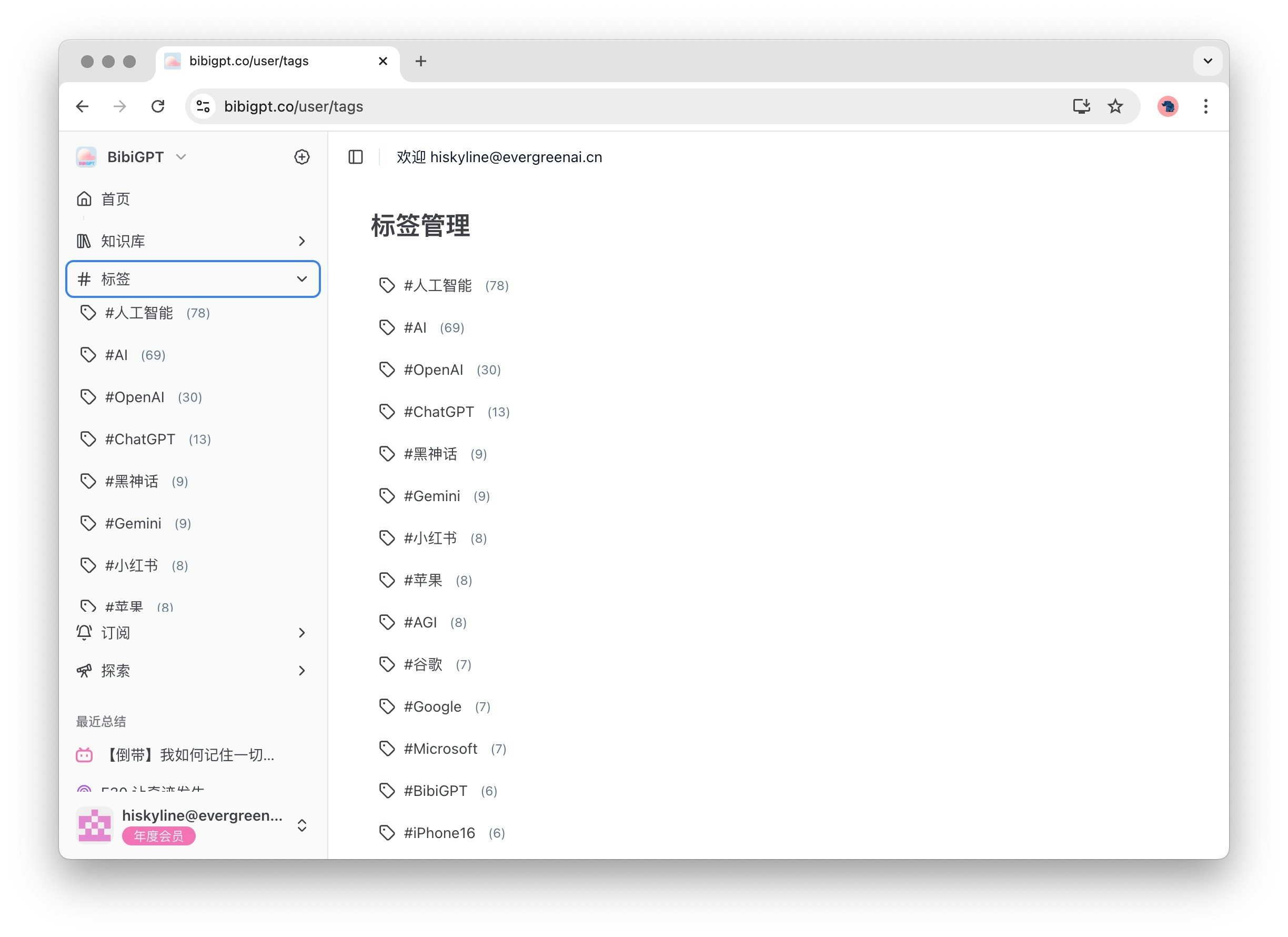
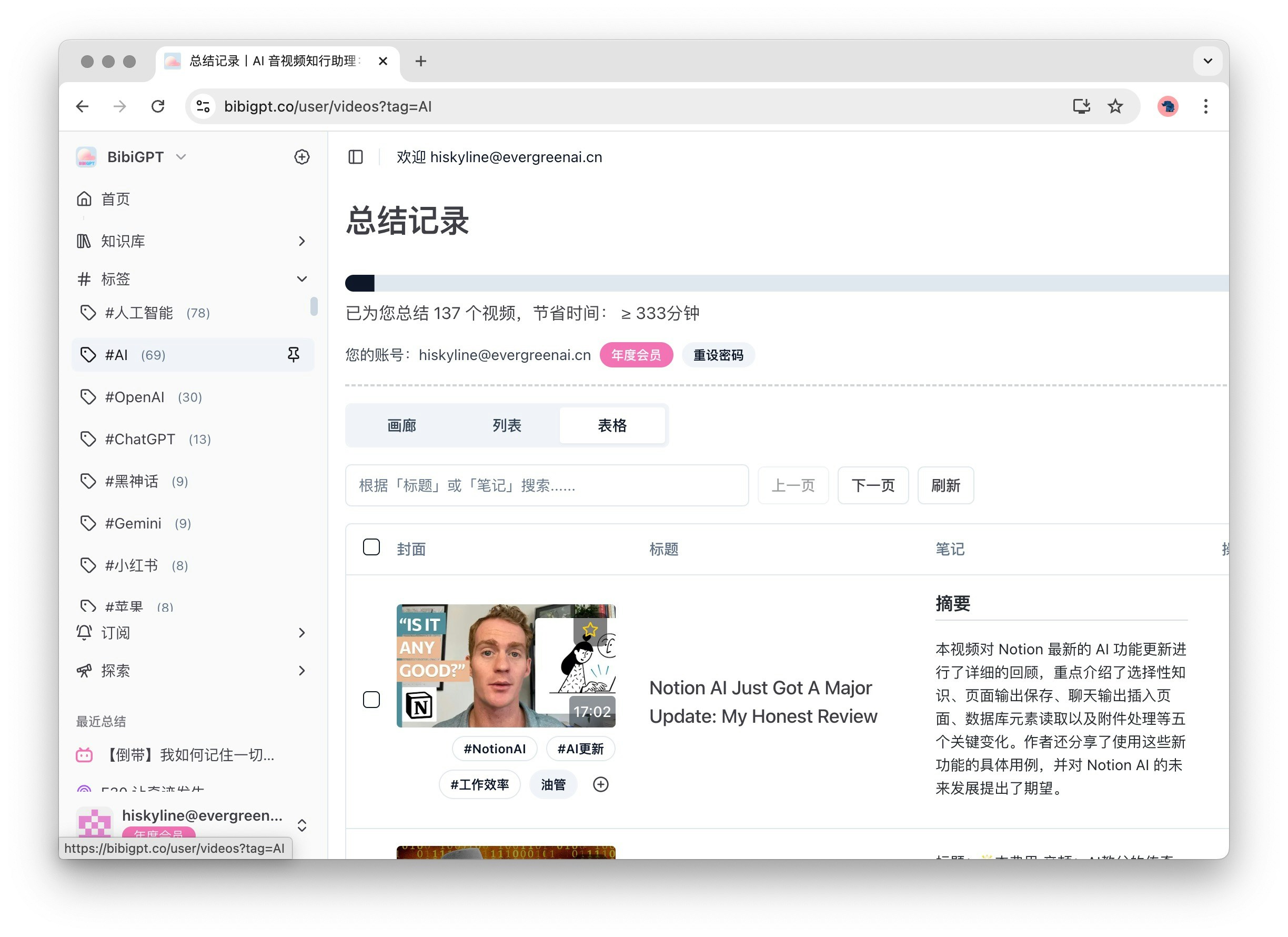
The Tags feature helps you better manage and classify video content. When expanded, the secondary menu displays the tag list of videos and the corresponding quantity. These tags are automatically generated by BibiGPT based on the video content, making it easy for you to quickly find relevant topics.
### 1.3 Tags
The Tags feature helps you better manage and classify video content. When expanded, the secondary menu displays the tag list of videos and the corresponding quantity. These tags are automatically generated by BibiGPT based on the video content, making it easy for you to quickly find relevant topics.
 ### 1.4 Subscription
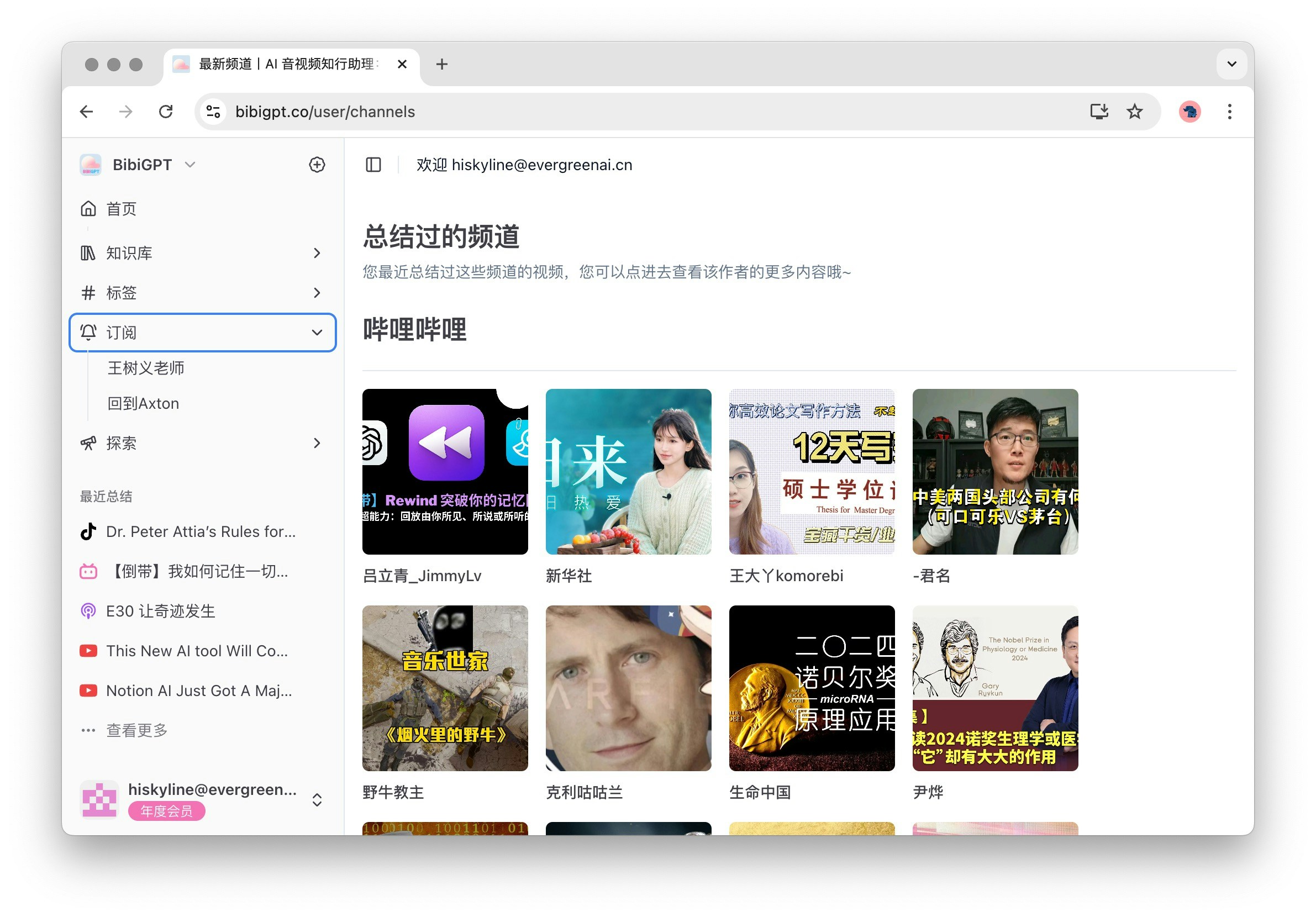
The Subscription feature allows you to easily manage channels you are interested in. When expanded, the secondary menu shows the names of channels you have subscribed to. Clicking "Subscribe" allows you to view all popular channels available for subscription, including Bilibili, YouTube, Blogs, etc., ensuring you don't miss any exciting content.
### 1.4 Subscription
The Subscription feature allows you to easily manage channels you are interested in. When expanded, the secondary menu shows the names of channels you have subscribed to. Clicking "Subscribe" allows you to view all popular channels available for subscription, including Bilibili, YouTube, Blogs, etc., ensuring you don't miss any exciting content.
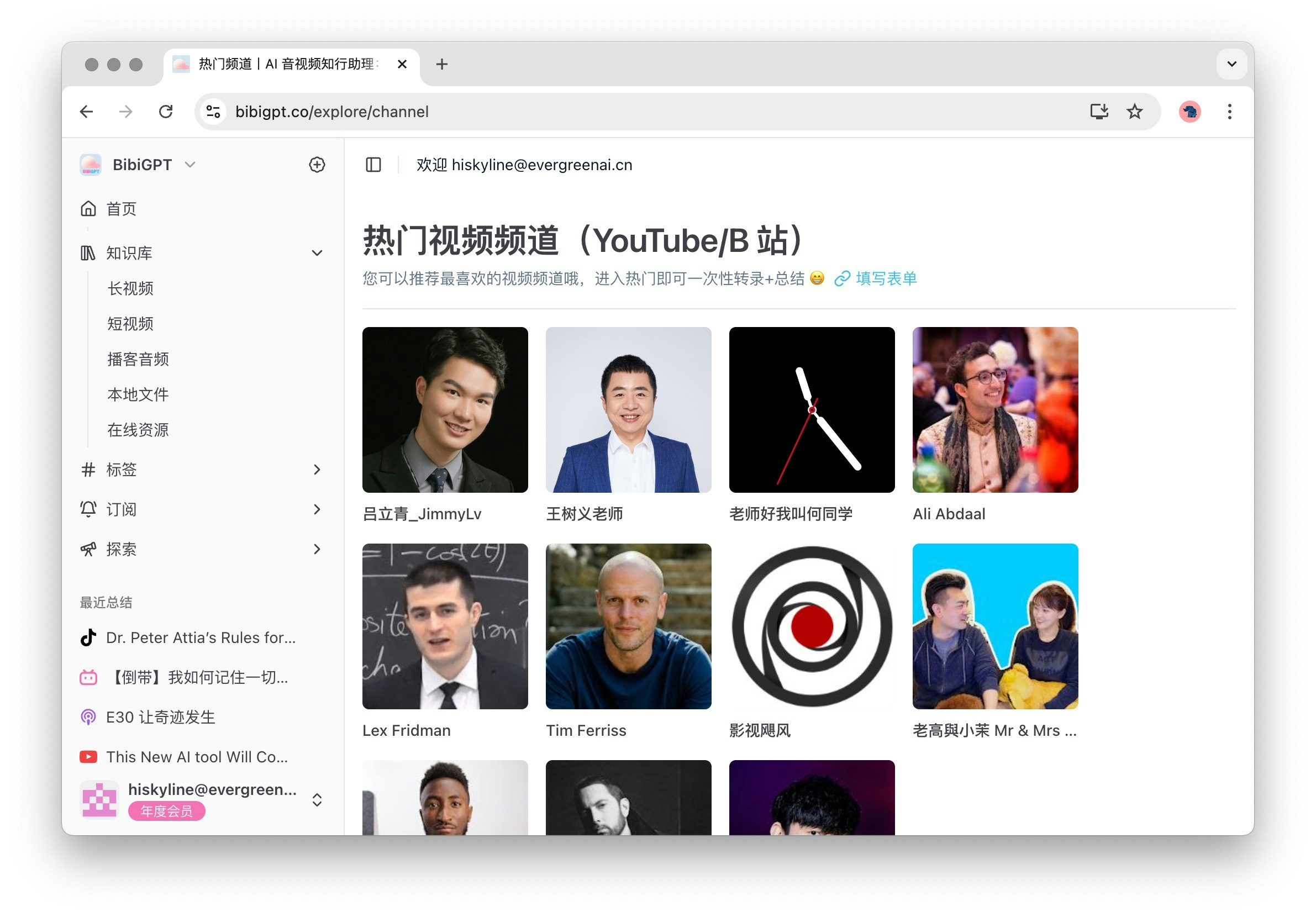
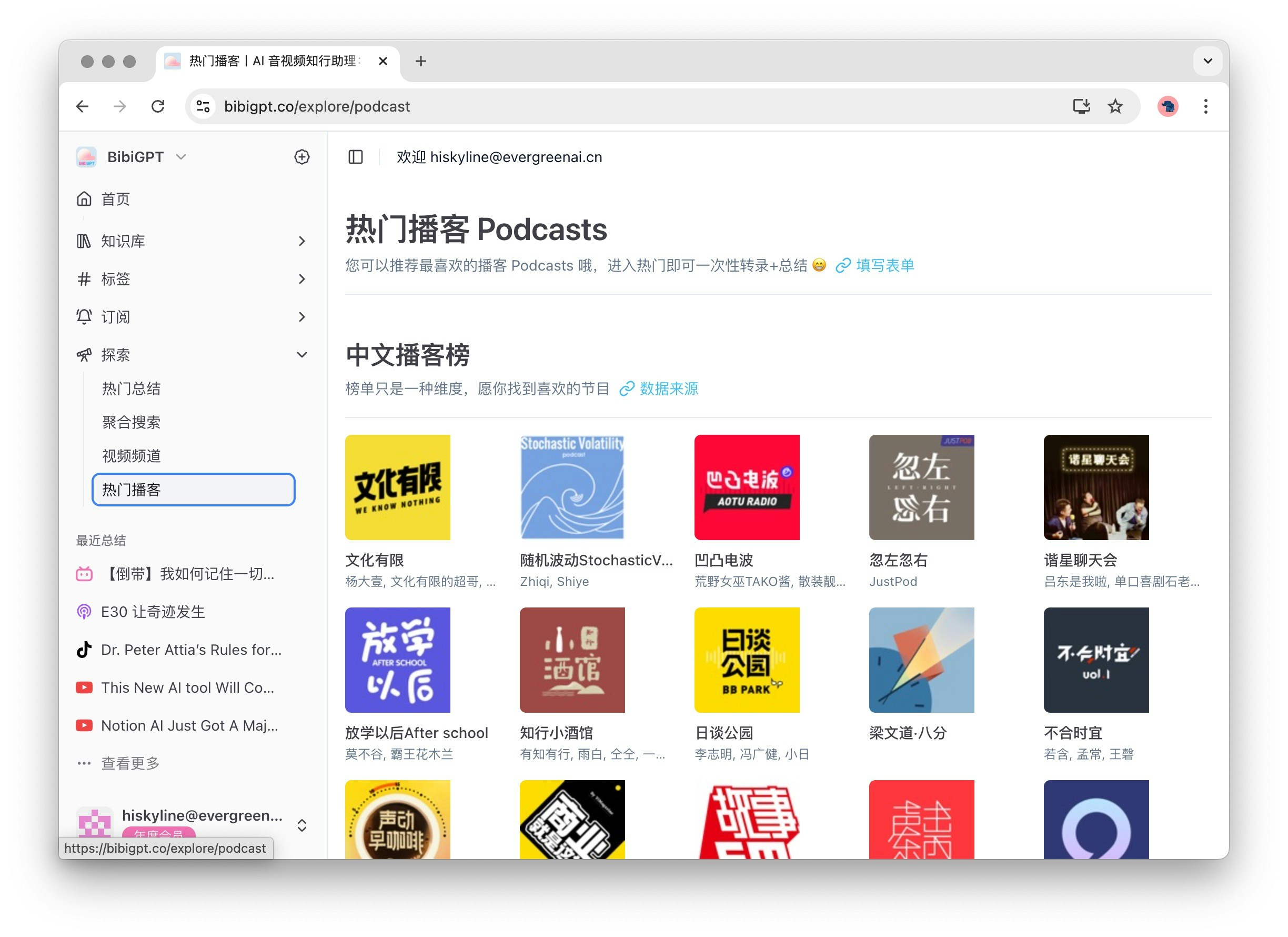
 ### 1.5 Explore
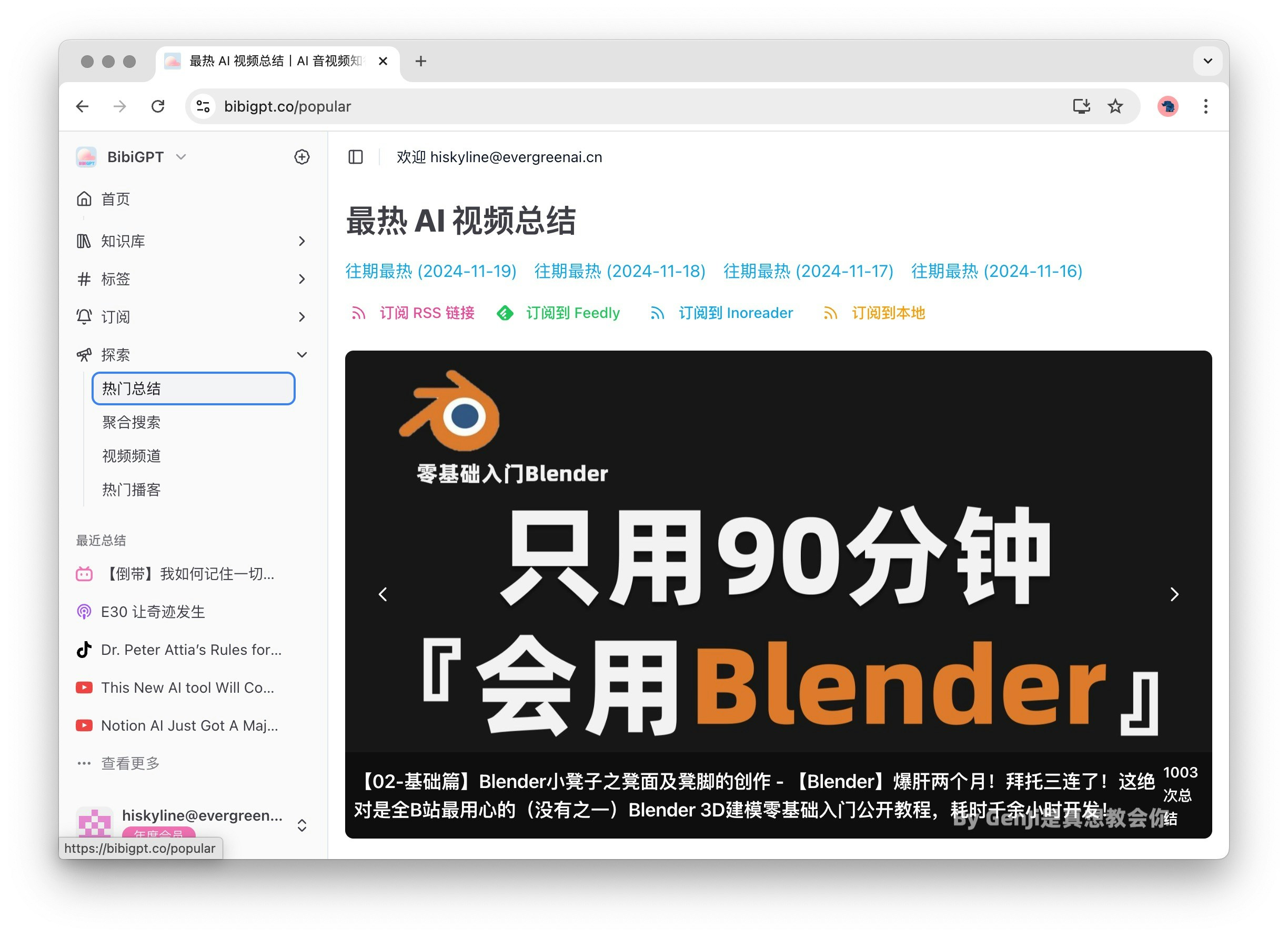
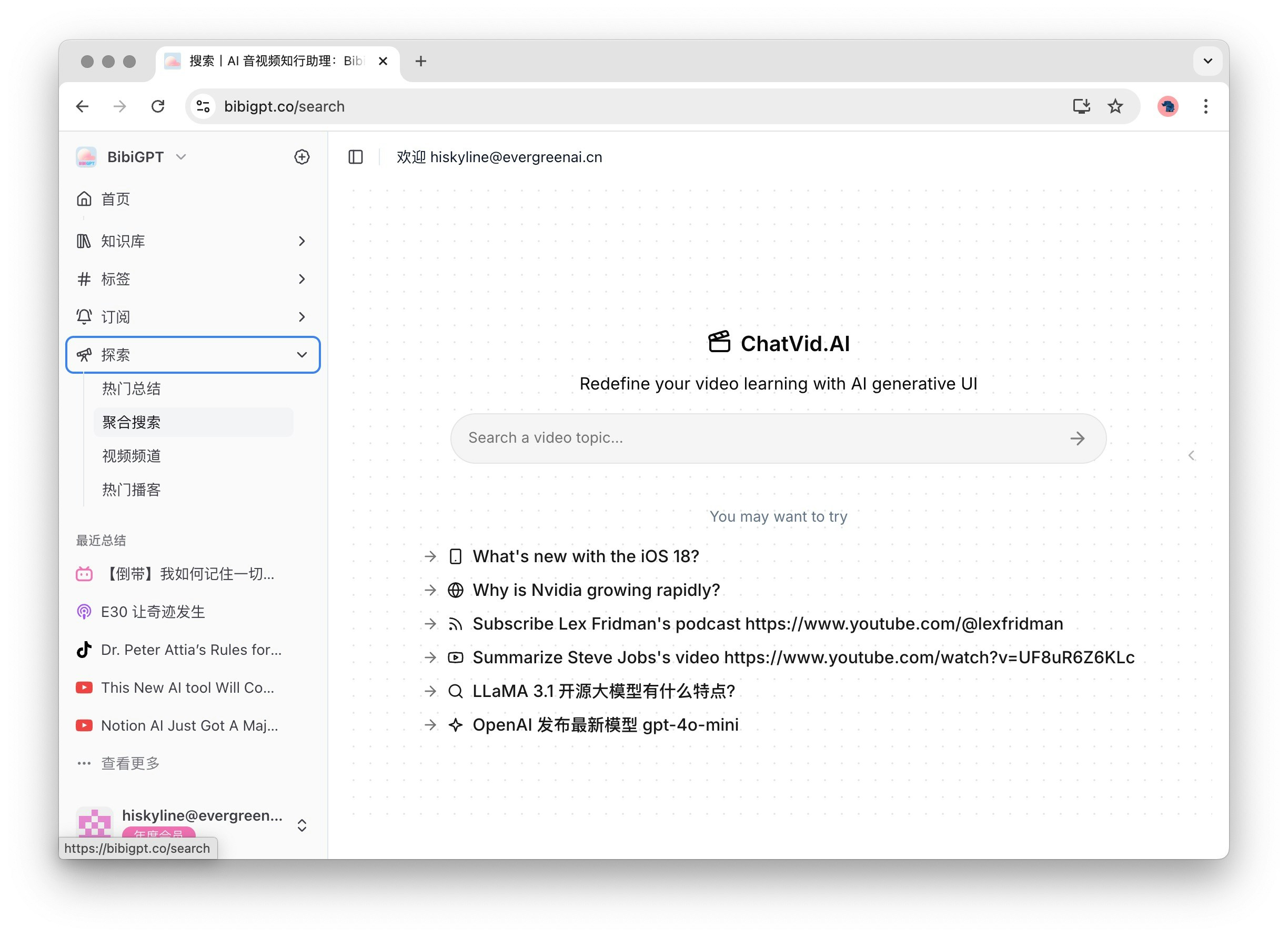
The Explore feature provides you with rich content discovery options. When expanded, the secondary menu includes Popular Summaries, Aggregated Search, Video Channels, and Popular Podcasts. Clicking "Explore" by default opens Popular Summaries, helping you discover the latest and most popular content.
### 1.5 Explore
The Explore feature provides you with rich content discovery options. When expanded, the secondary menu includes Popular Summaries, Aggregated Search, Video Channels, and Popular Podcasts. Clicking "Explore" by default opens Popular Summaries, helping you discover the latest and most popular content.
 ## 2 Auxiliary Function Area
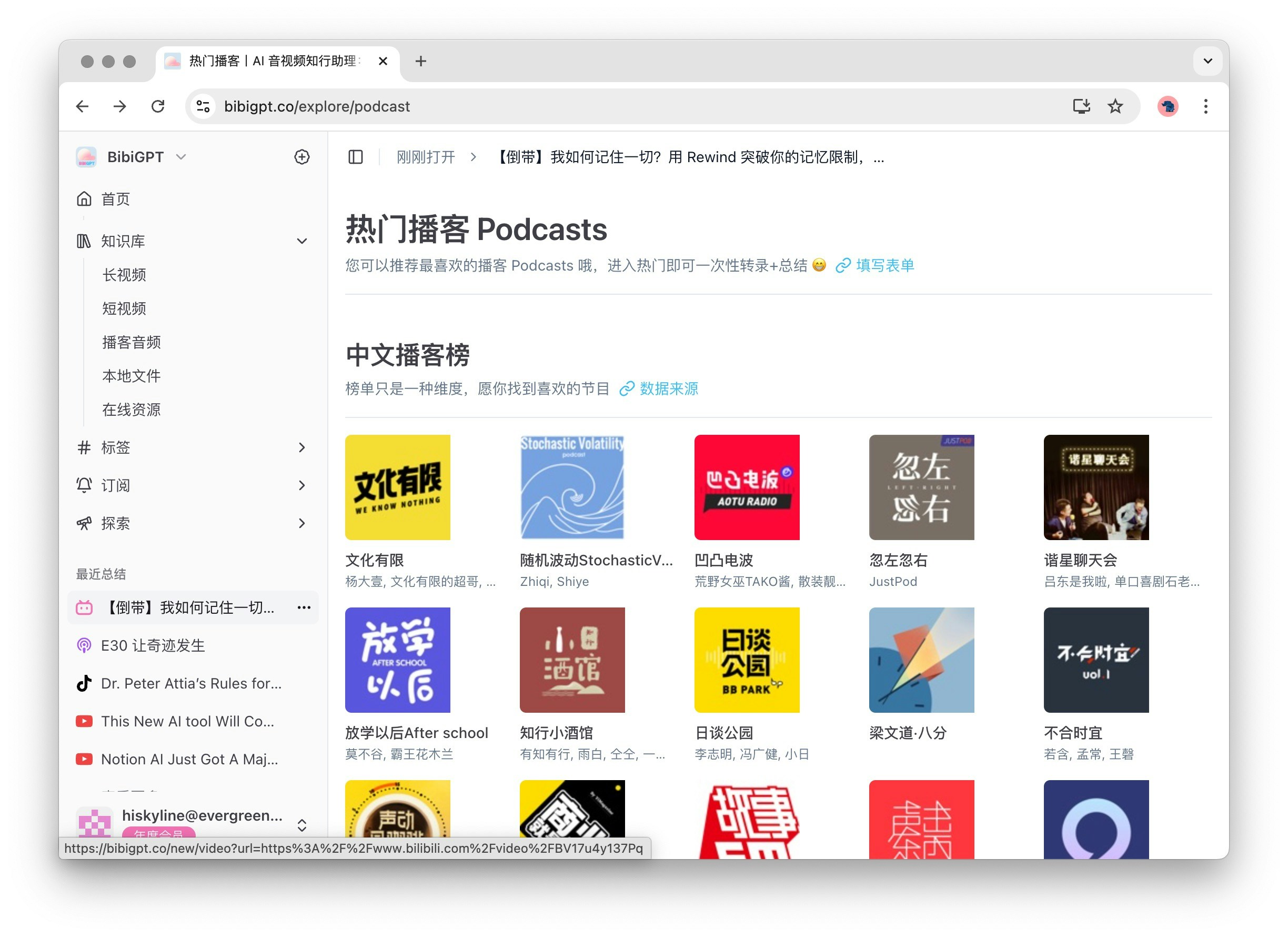
### 2.1 Recent Summaries
The Recent Summaries feature is located below the main function area, displaying up to 5 recent summaries. Clicking "View More" takes you to the Library, making it convenient to quickly review and access history. Clicking on any history entry takes you to the corresponding audio or video summary details page, ensuring you can easily find the content you need.
## 2 Auxiliary Function Area
### 2.1 Recent Summaries
The Recent Summaries feature is located below the main function area, displaying up to 5 recent summaries. Clicking "View More" takes you to the Library, making it convenient to quickly review and access history. Clicking on any history entry takes you to the corresponding audio or video summary details page, ensuring you can easily find the content you need.
 ### 2.2 Help & Support
The Help & Support area includes the following options to ensure you get the necessary help when using BibiGPT:
1. Upgrade Membership: Click to enter the membership purchase page and enjoy more advanced features and services.
### 2.2 Help & Support
The Help & Support area includes the following options to ensure you get the necessary help when using BibiGPT:
1. Upgrade Membership: Click to enter the membership purchase page and enjoy more advanced features and services.
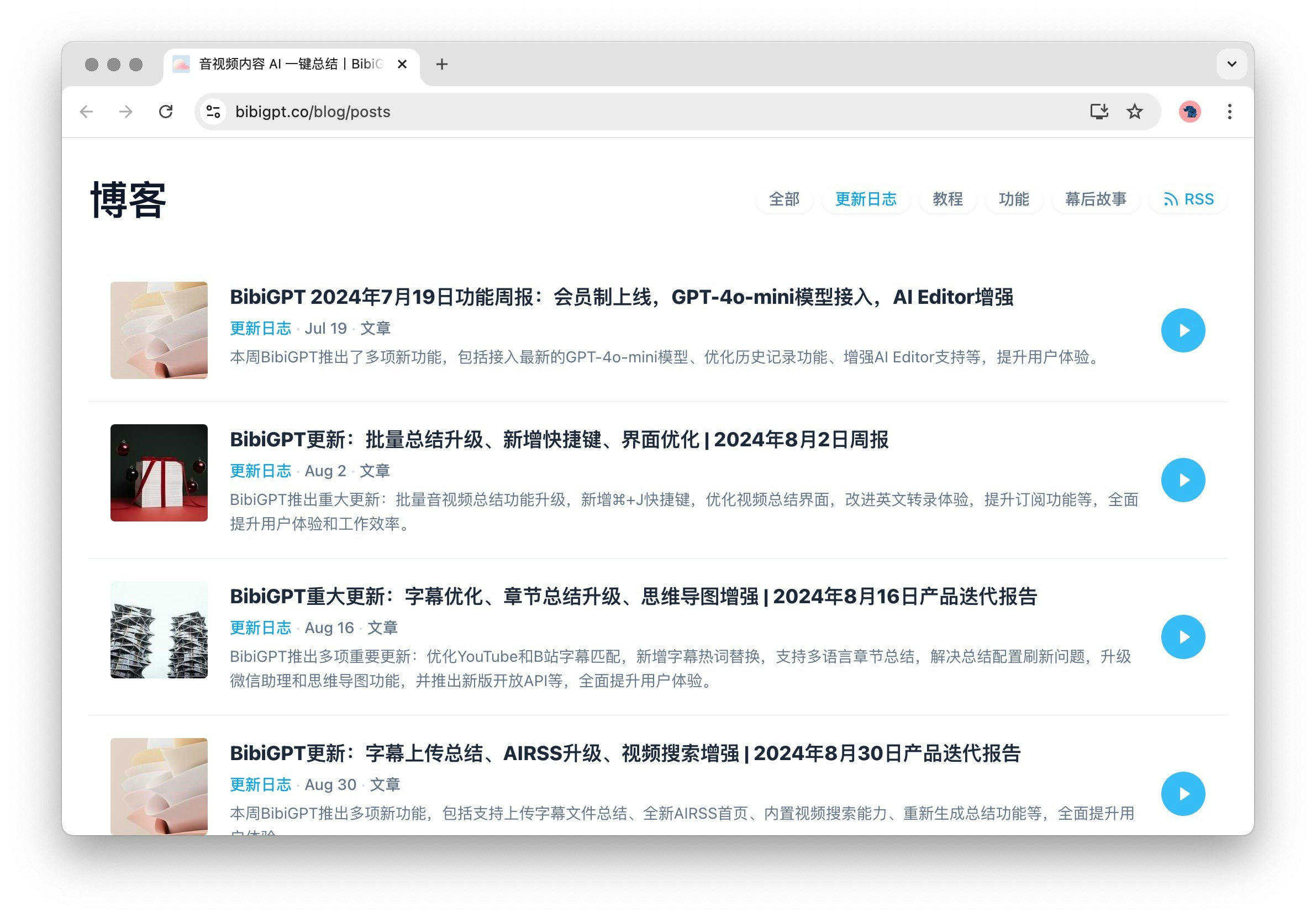
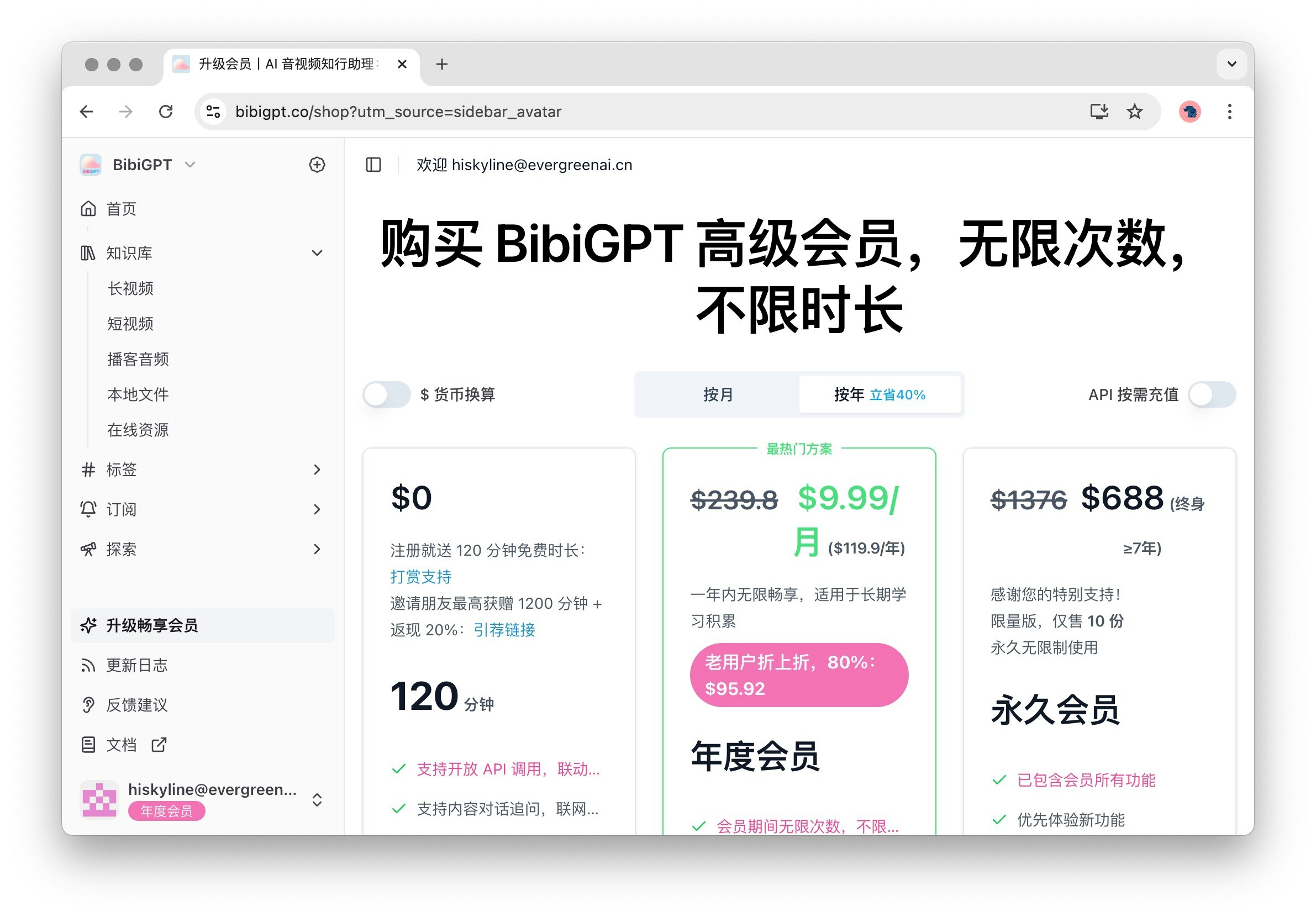 2. Changelog: Displays BibiGPT's updates and blog, helping you understand the latest features and improvements.
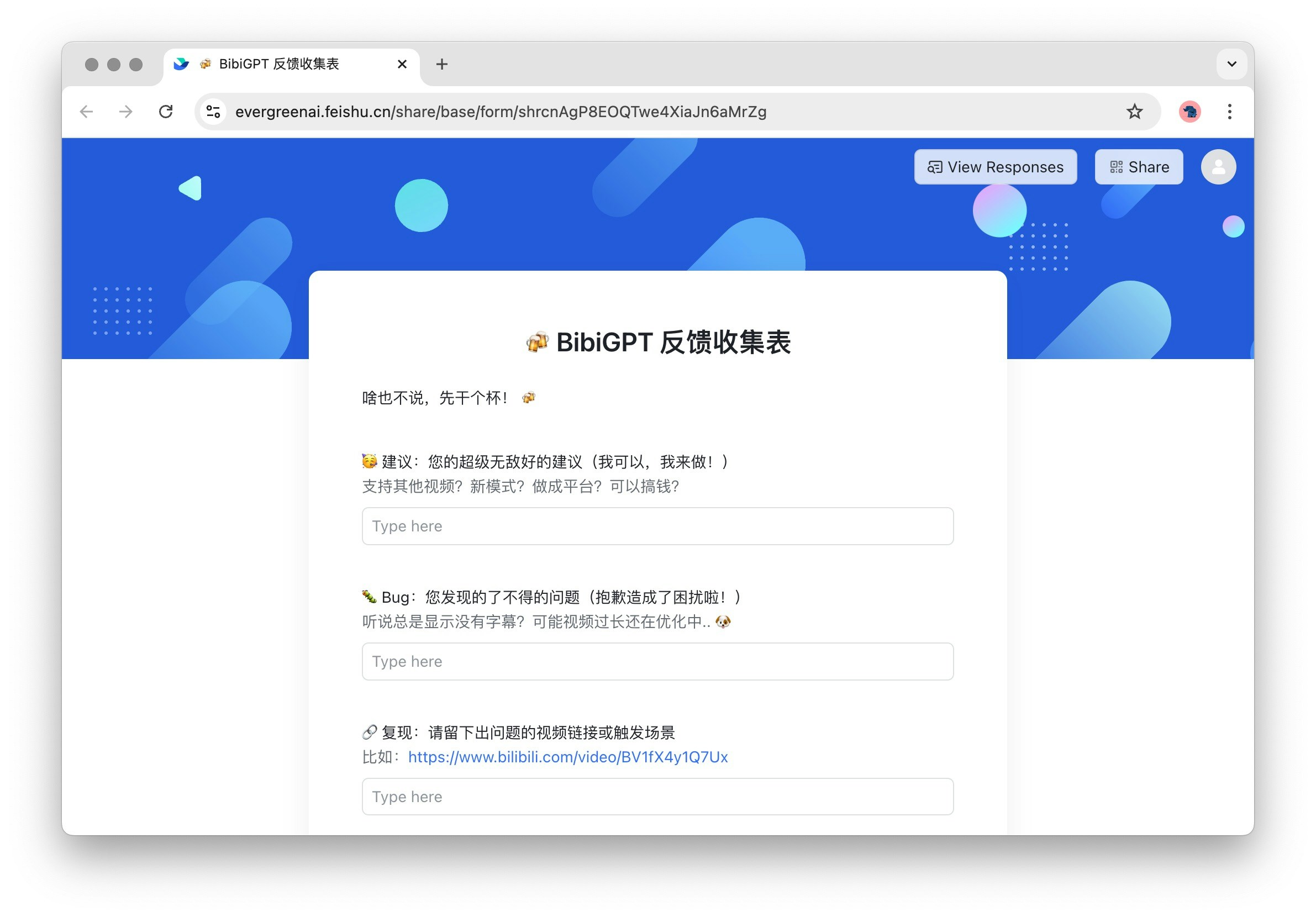
 3. Feedback: User feedback entry. We welcome your valuable suggestions to help us continuously improve.
 4. Help Documentation: Detailed user guides providing comprehensive operation instructions and tips.