> ## Documentation Index
> Fetch the complete documentation index at: https://docs.bibigpt.co/llms.txt
> Use this file to discover all available pages before exploring further.
# BibiGPT 账号管理全攻略
> 本指南详细介绍了如何通过Google、GitHub、Notion及邮箱等多种方式进行BibiGPT账号的注册、登录和密码重置。
本指南将帮助您快速了解BibiGPT的账号注册和管理流程。
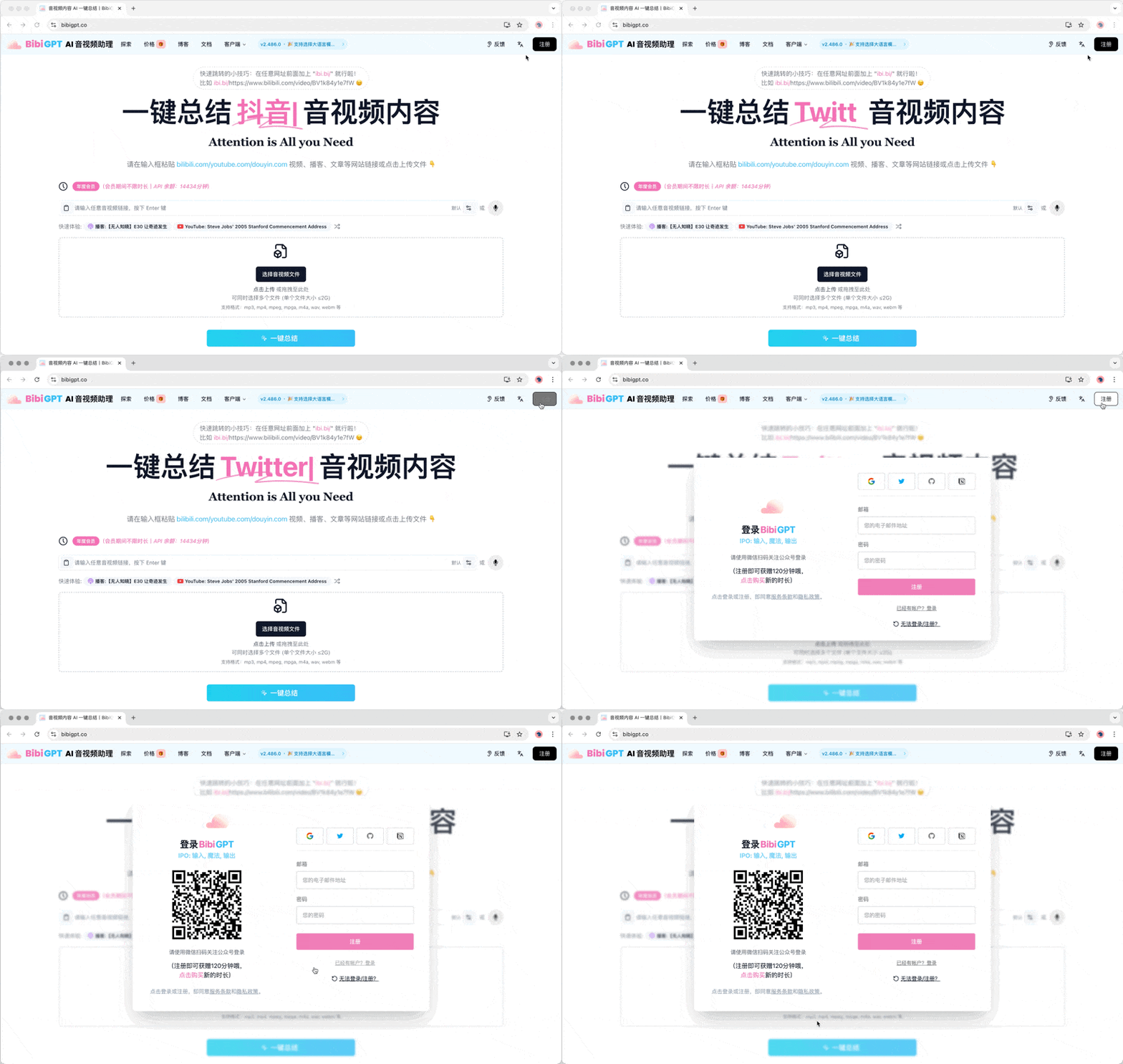
BibiGPT为您提供简单易用的账号管理服务,支持多种注册和登录方式:
## 1 注册方式
* **微信**:扫描二维码,快速注册和登录
* **Google**:一键注册,无需记忆额外密码
* **GitHub**:开发者首选,快速接入
* **Notion**:便于内容管理
* **Twitter**:社交媒体用户的便捷选择
* **邮箱**:传统方式,简单可靠
## 2 登录方法
选择您注册时使用的方式即可轻松登录。微信用户可直接扫码登录,更加便捷。
 ## 3 密码重置
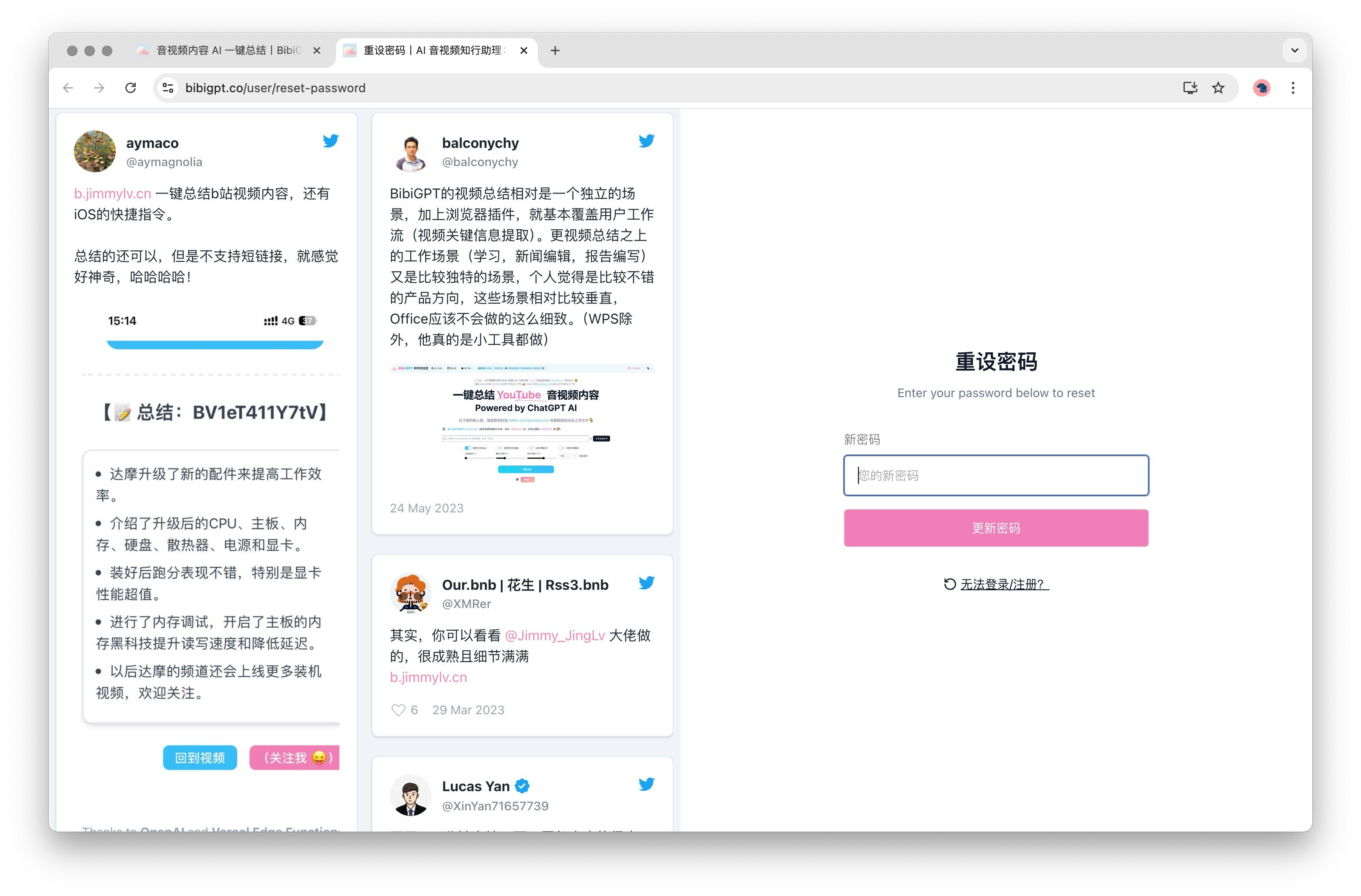
所有用户可通过重置密码页面来重新设置密码,[立刻重置密码](https://bibigpt.co/user/reset-password)。
## 3 密码重置
所有用户可通过重置密码页面来重新设置密码,[立刻重置密码](https://bibigpt.co/user/reset-password)。
 ## 4 安全提示
* 使用第三方登录前,请确保已登录相应服务
* 定期检查账号安全设置
* 选择强密码,提高账号安全性
## 4 安全提示
* 使用第三方登录前,请确保已登录相应服务
* 定期检查账号安全设置
* 选择强密码,提高账号安全性