
1 Registration Methods
- WeChat: Scan the QR code to quickly register and log in
- Google: One-click registration, no need to remember extra passwords
- GitHub: Developer’s choice, quick access
- Notion: Convenient for content management
- Twitter: A convenient choice for social media users
- Email: Traditional method, simple and reliable
2 Login Methods
Simply select the method you used during registration to log in easily. WeChat users can log in directly by scanning the code, which is even more convenient.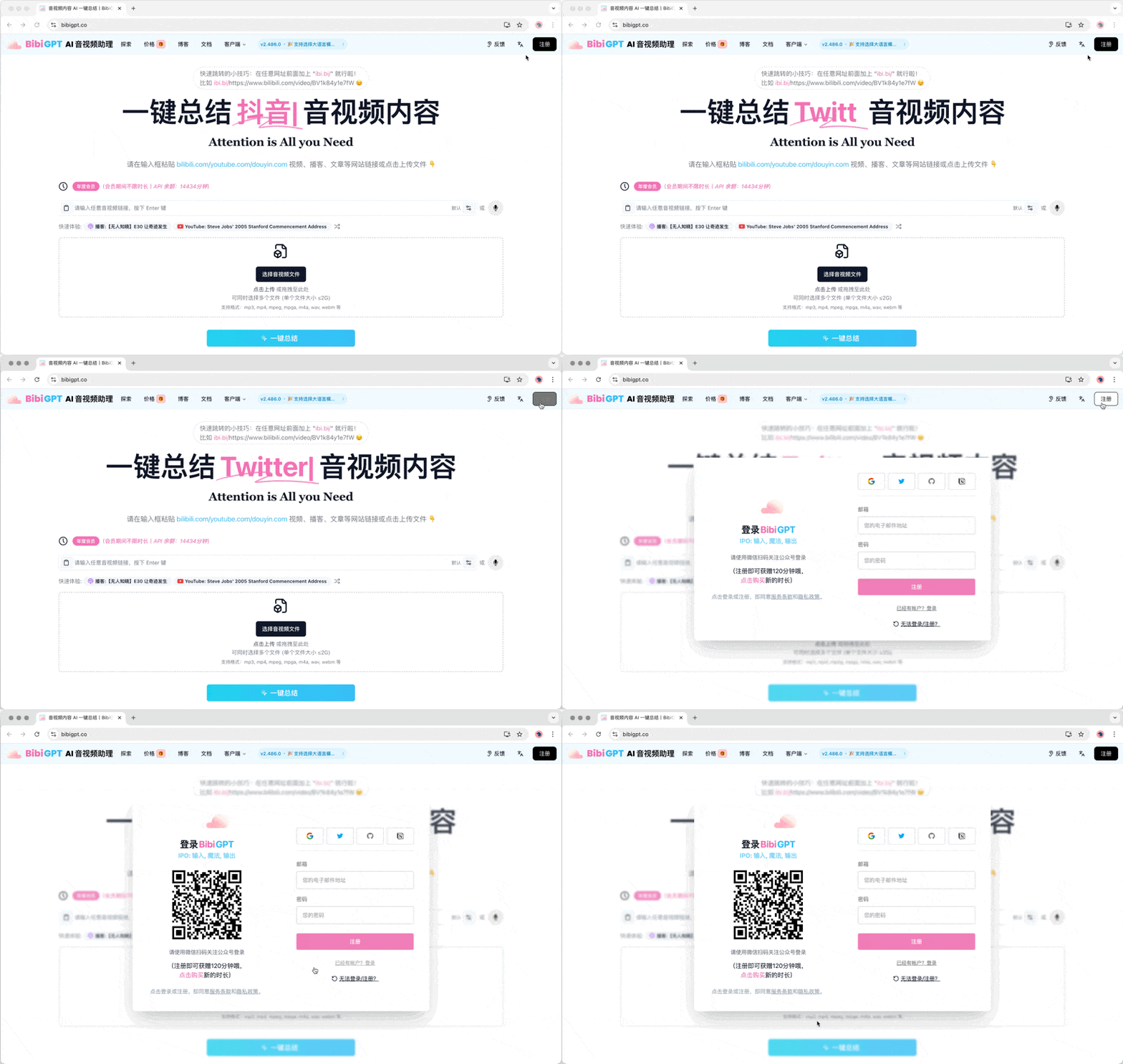
3 Password Reset
All users can reset their password via the reset password page. Reset Password Now.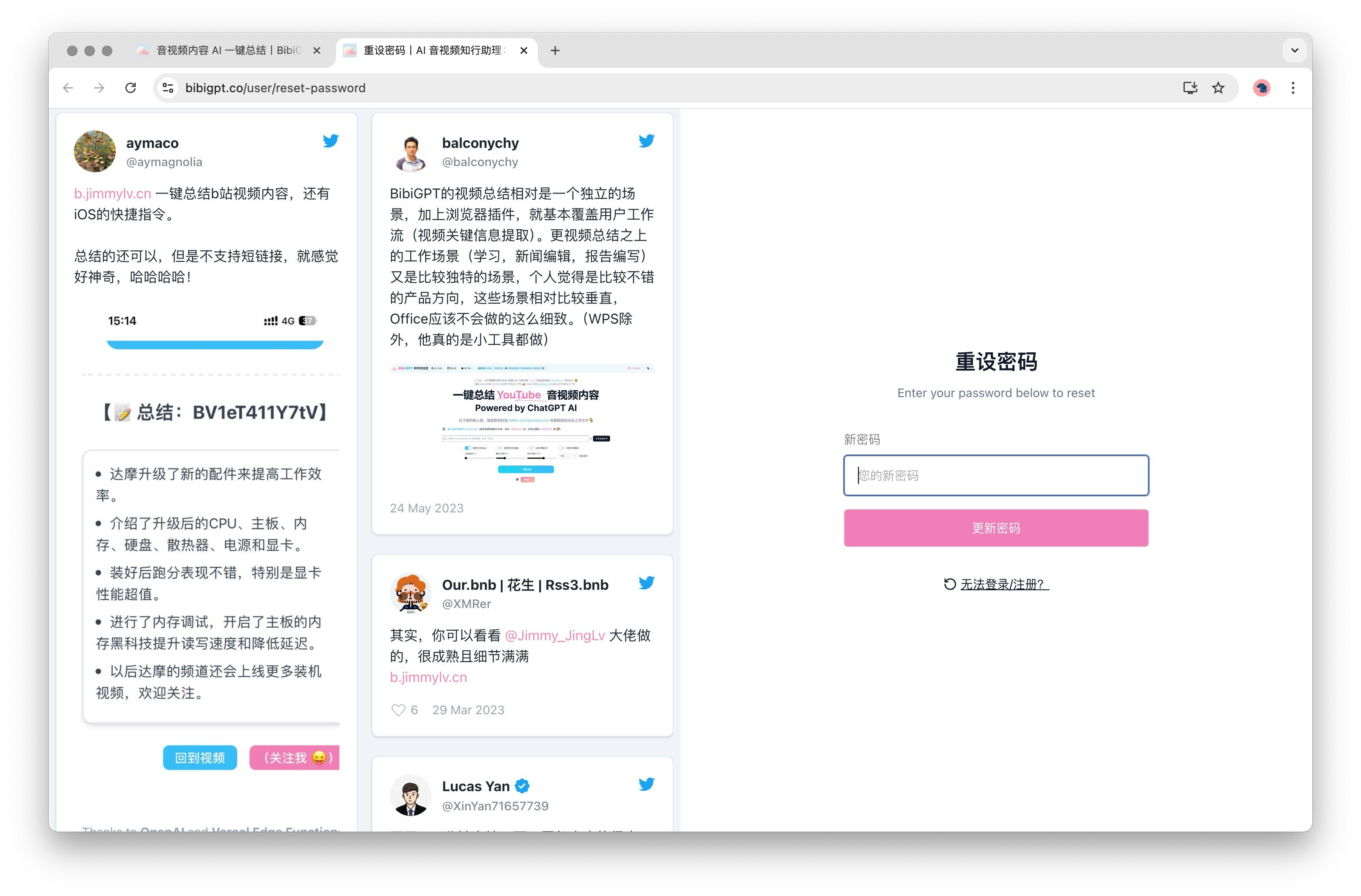
4 Security Tips
- Before using third-party login, please ensure you are logged into the corresponding service
- Regularly check account security settings
- Choose a strong password to improve account security