
Feature Overview
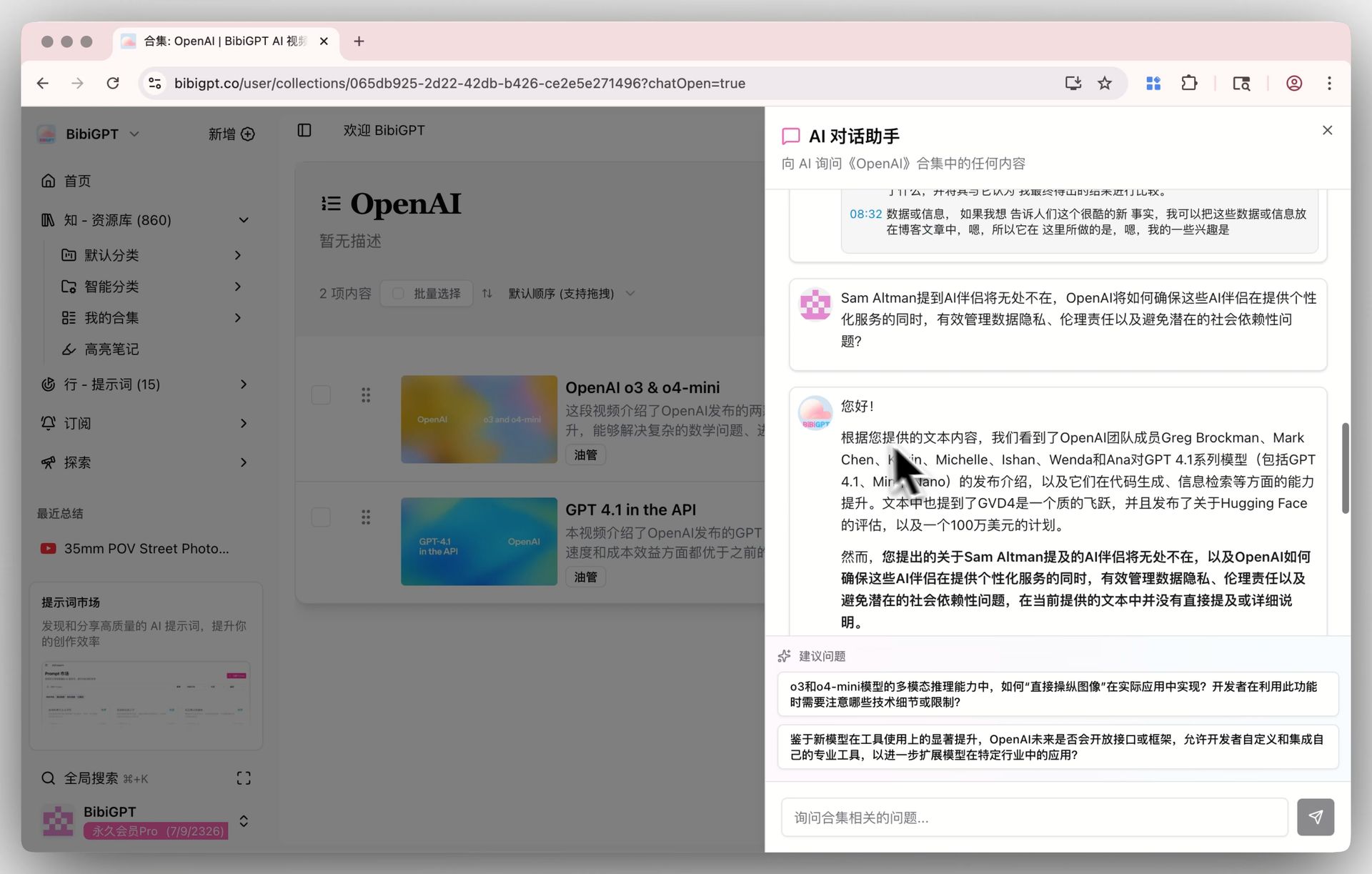
BibiGPT has launched a brand new “Collections AI Chat” function, aimed at solving the difficulty of users learning across multiple videos and retrieving information. Users can organize related videos into “Collections,” and then through the “Ask AI” function, directly dialogue with the content of the entire collection. The AI assistant can integrate information from all videos in the collection, achieving precise cross-video Q&A, content comparison, and knowledge refinement, transforming the user’s video list into an interactive, exclusive AI knowledge base, greatly improving the efficiency of batch learning and research. Here is an example of the function interface: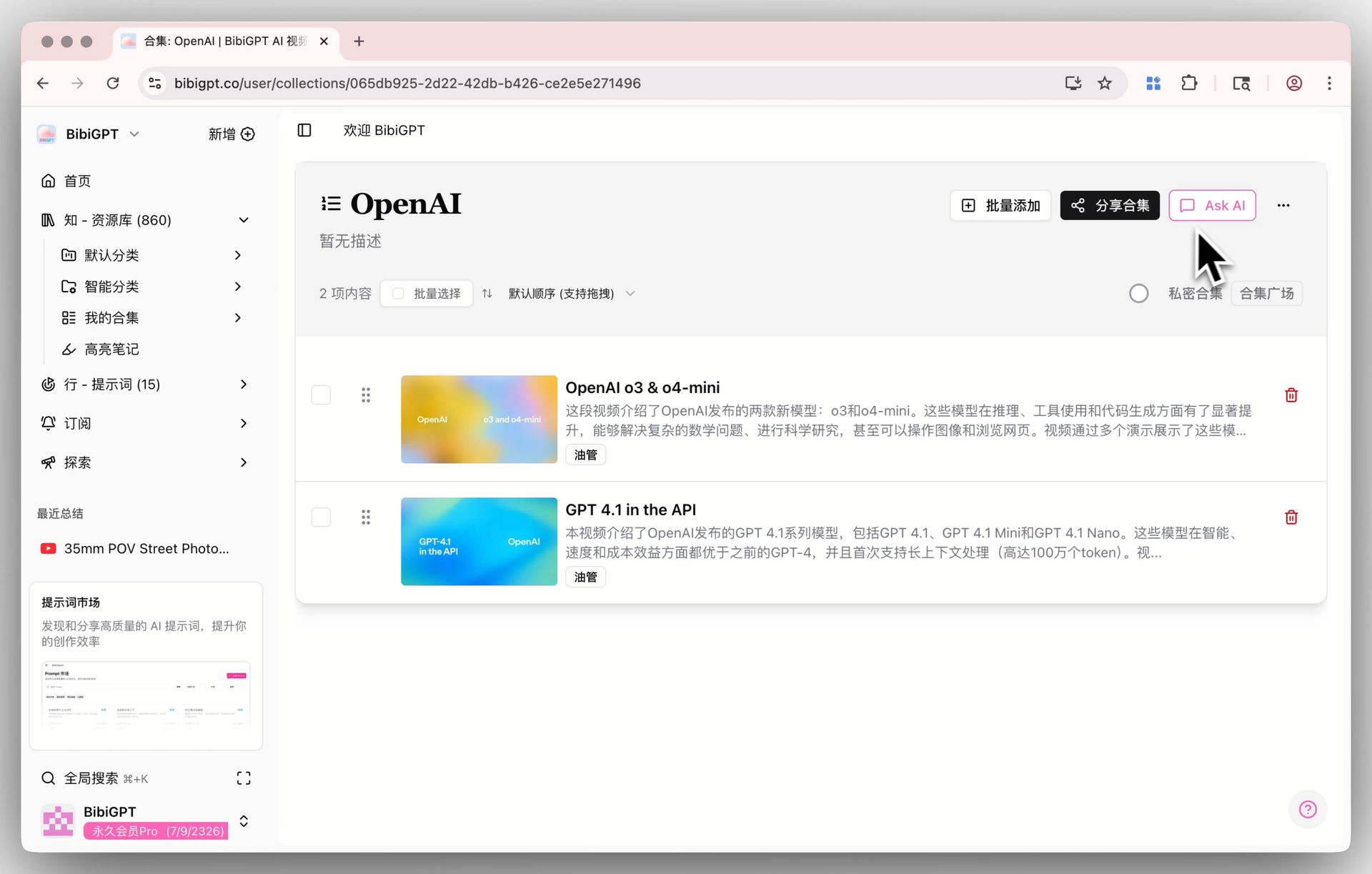
Solved Pain Points
I often collect many videos around a specific topic (such as an online course or an interview series) and put them in a collection. But when I need to find a certain knowledge point or want to compare viewpoints in different videos, I have to open each video one by one to look at the summaries, which is very inefficient. I hope for a tool that lets me directly ask questions to the entire video collection and quickly get an integrated answer.Core Features
- BibiGPT launched “Collections AI Chat” for cross-video learning and information retrieval.
- Dialogue directly with entire collections via the “Ask AI” function.
- AI assistant integrates all video info in the collection for cross-video Q&A and comparisons.
- Transforms video lists into interactive, exclusive AI knowledge bases for research efficiency.
Feature Highlights
BibiGPT’s “Collections AI Chat” function transforms your video collection into an interactive exclusive knowledge base. Simply click the “Ask AI” button in a collection to dialogue with the AI assistant, which can understand and integrate all video content within that collection, providing precise cross-video Q&A, content comparison, and information refinement.Applicable Scenarios
- Studying a series of videos and wanting to search or compare content across the entire collection.