
Overview
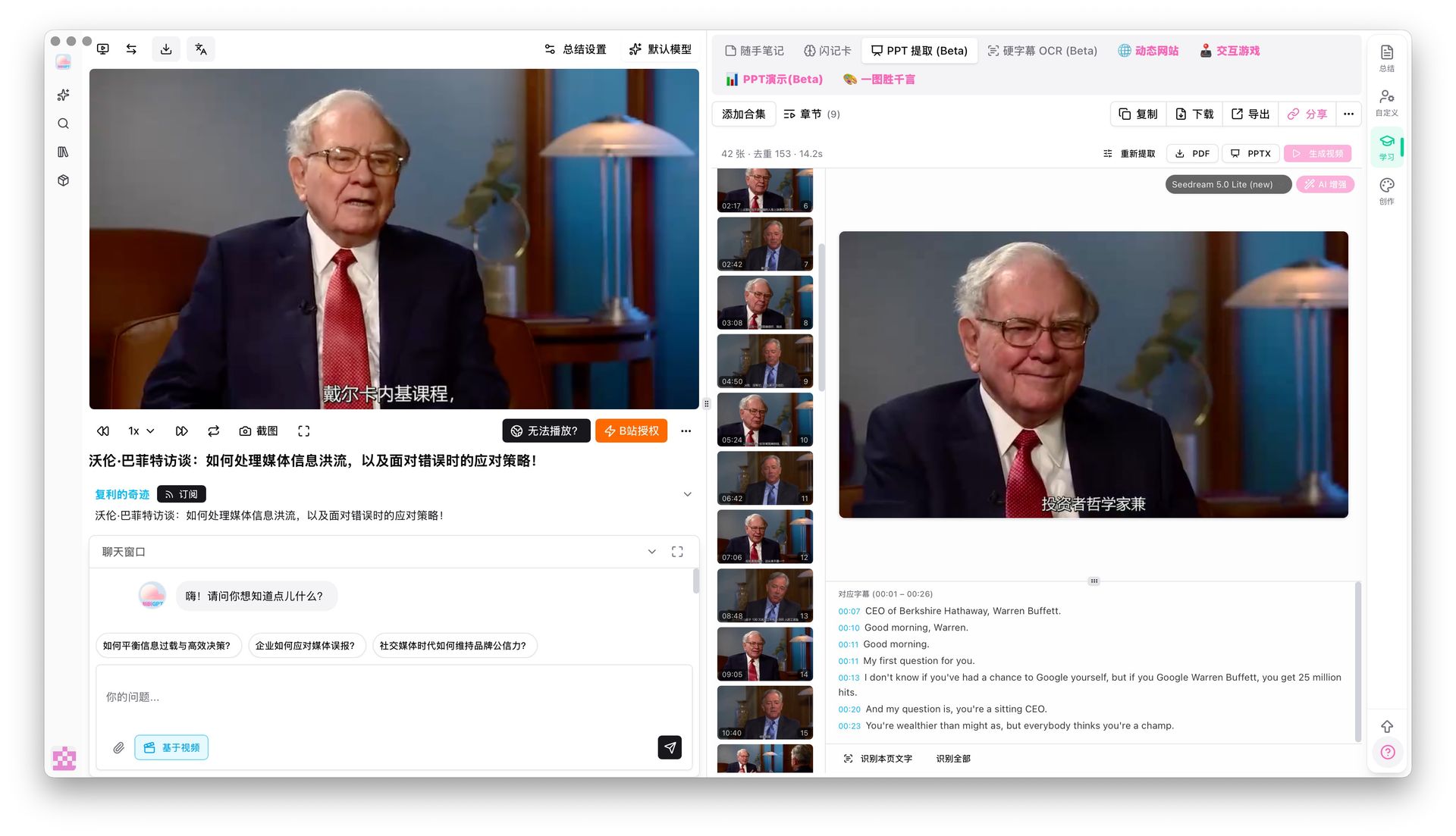
On a video page, open PPT extract (Beta) in the study panel and tap One-click extract. BibiGPT pulls distinct frames when the picture changes and groups the captions from that time span under each frame. Switch between PPT and APP views.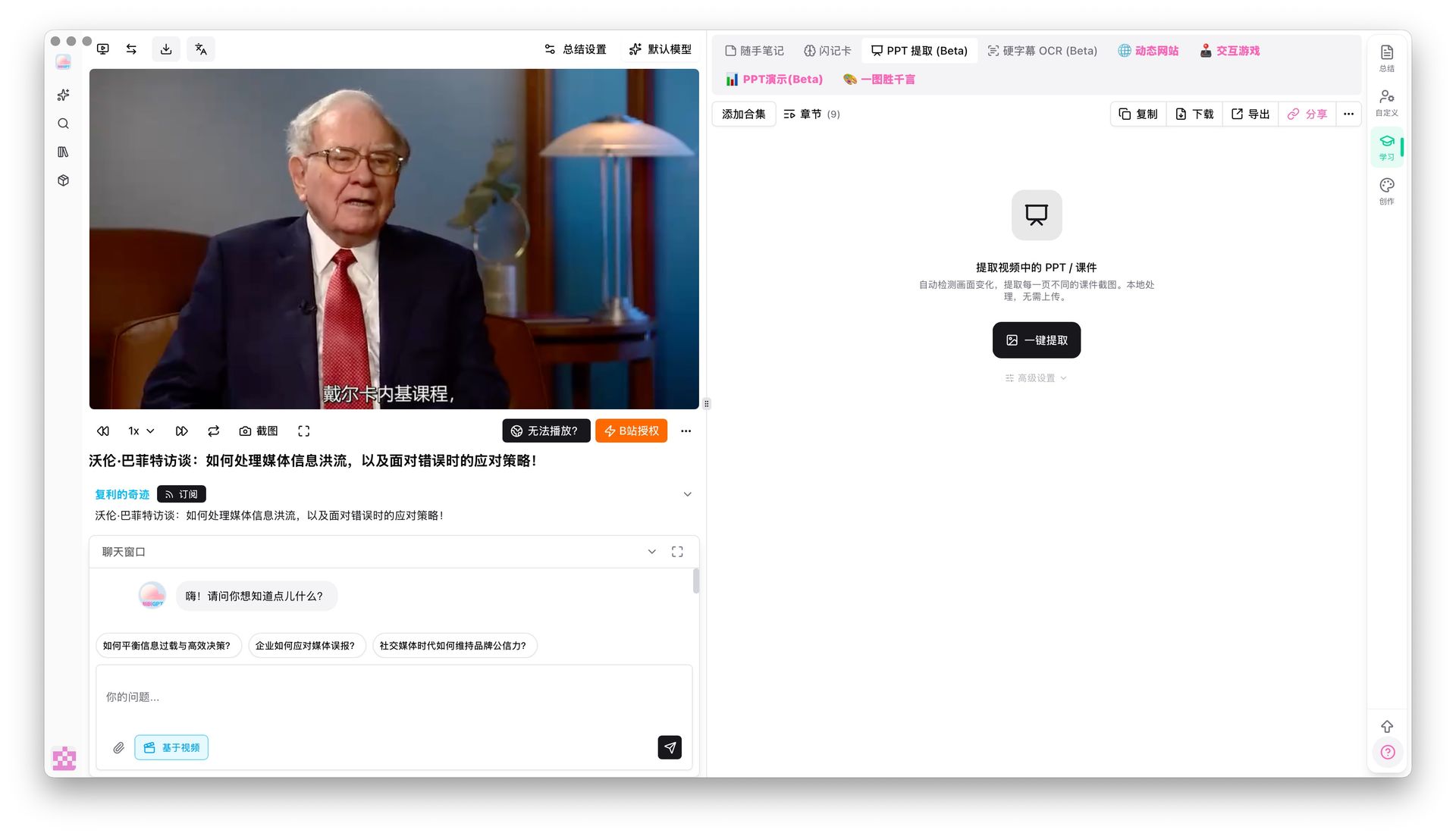
Pain Point
Lecture videos are long and screenshotting slides by hand is slow. I want the core frames without watching every minute.Key Features
- One-click extract from the PPT extract (Beta) tab
- Frames follow real scene changes, not random stills
- Full captions for the span under each frame
- PPT and APP viewing modes
Highlights
This keeps the original slides from the recording. It does not ask AI to invent a new deck.Use Cases
- Review a lecture that was mostly a slide deck
- Match a demo step’s picture with what was said
- Skim keyframes first, then watch only the sections that matter
Tips
- Different from Generate PPT: extract keeps source frames; generate rewrites content
- Talking-head videos with little visual change yield fewer frames; slide or whiteboard classes work best
Related Features
PPT Presentation
Chapter Deep Reading
Hard Subtitle OCR
Upgrade to Pro: unlock more study and export tools → Pricing