
Feature Overview
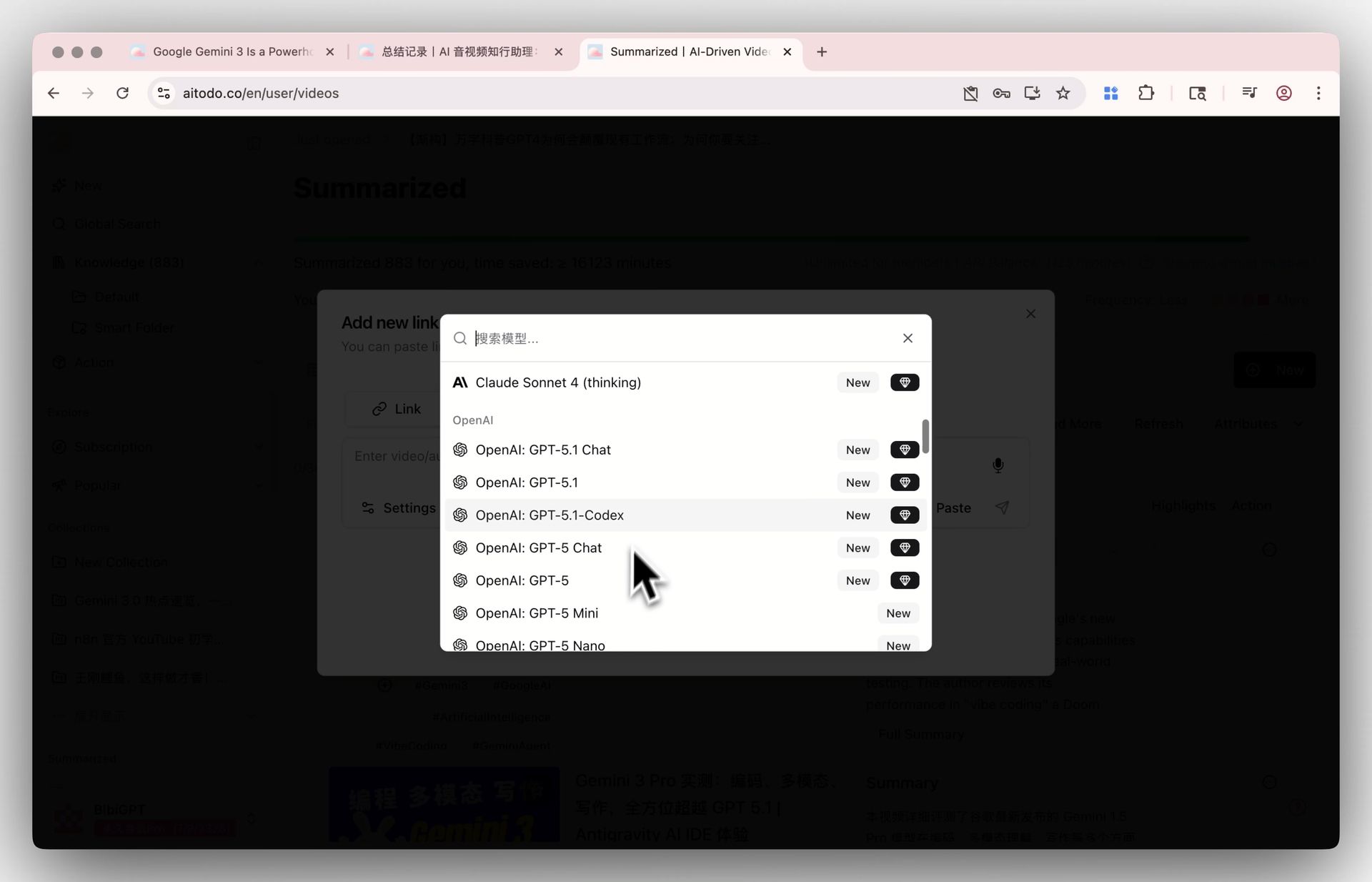
BibiGPT’s overseas version (AI-to-do) keeps its model library in step with every frontier release, to meet users’ demands for the latest top-tier AI models. As of July 2026, the frontier models selectable under “Settings” → “Default Model” include Google Gemini 3.5 Pro / 3.5 Flash, OpenAI GPT-5.6 Sol / Terra / Luna, Anthropic Claude Sonnet 5, and DeepSeek V4 Pro; earlier generations such as Gemini 3.0 Pro and the GPT-5.1 series remain available too. When summarizing videos or documents, users can switch between them with one click for more powerful understanding and generation. Note that due to compliance reasons, this update is only applicable to the overseas website. Here is an example of the function interface: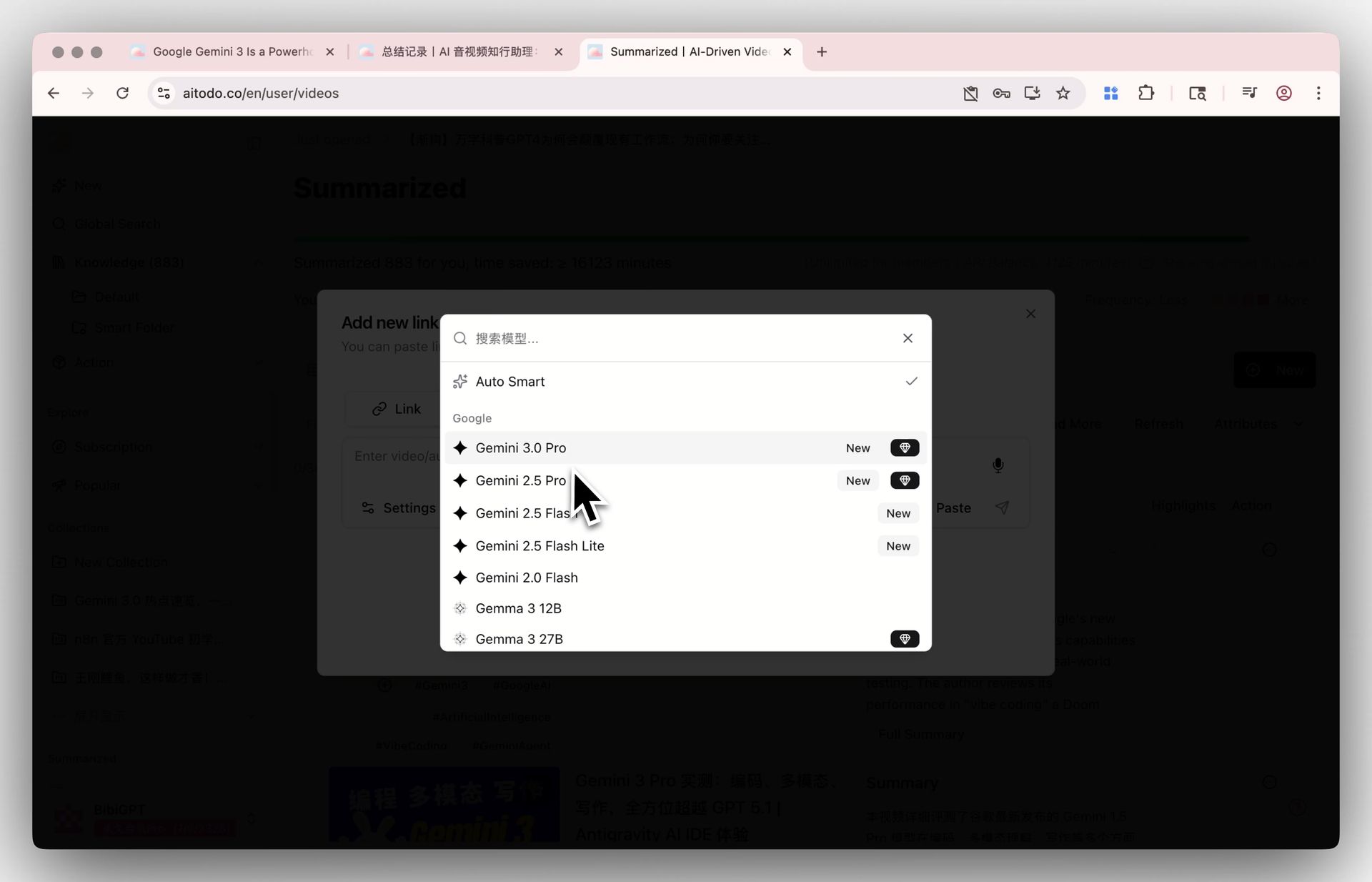
Solved Pain Points
“I heard the latest Gemini 3.5 and GPT-5.6 models are very powerful, but I don’t want to register or wait in line for these services separately. I hope to directly call these latest strongest models in one tool to help me efficiently process long videos and documents.”Core Features
- A continuously updated model library for BibiGPT’s overseas version (AI-to-do).
- Currently selectable frontier models include Gemini 3.5 Pro / 3.5 Flash, GPT-5.6 Sol / Terra / Luna, Claude Sonnet 5, and DeepSeek V4 Pro; earlier generations (Gemini 3.0 Pro, GPT-5.1 series) stay available.
- Users can switch to these models via settings for enhanced comprehension and generation.
- Update is exclusive to the overseas website due to compliance.
Feature Highlights
BibiGPT’s overseas version (AI-to-do) stays in sync with the world’s most cutting-edge AI models: new generations such as the Gemini 3.5 series, the GPT-5.6 series, Claude Sonnet 5, and DeepSeek V4 join the library as they ship. Users only need to switch with one click in the settings to use these top-tier models for more precise and deeper content summarization and analysis.Applicable Scenarios
- I heard the latest Gemini 3.5 and GPT-5.6 models are very powerful, but I don’t want to register or wait in line for these services separately. I hope to directly call these latest strongest models in one tool to help me efficiently process long videos and documents.
Usage Suggestions
- Users only need to switch with one click in the settings to use these top-tier models for more precise and deeper content summarization and analysis.