
Overview
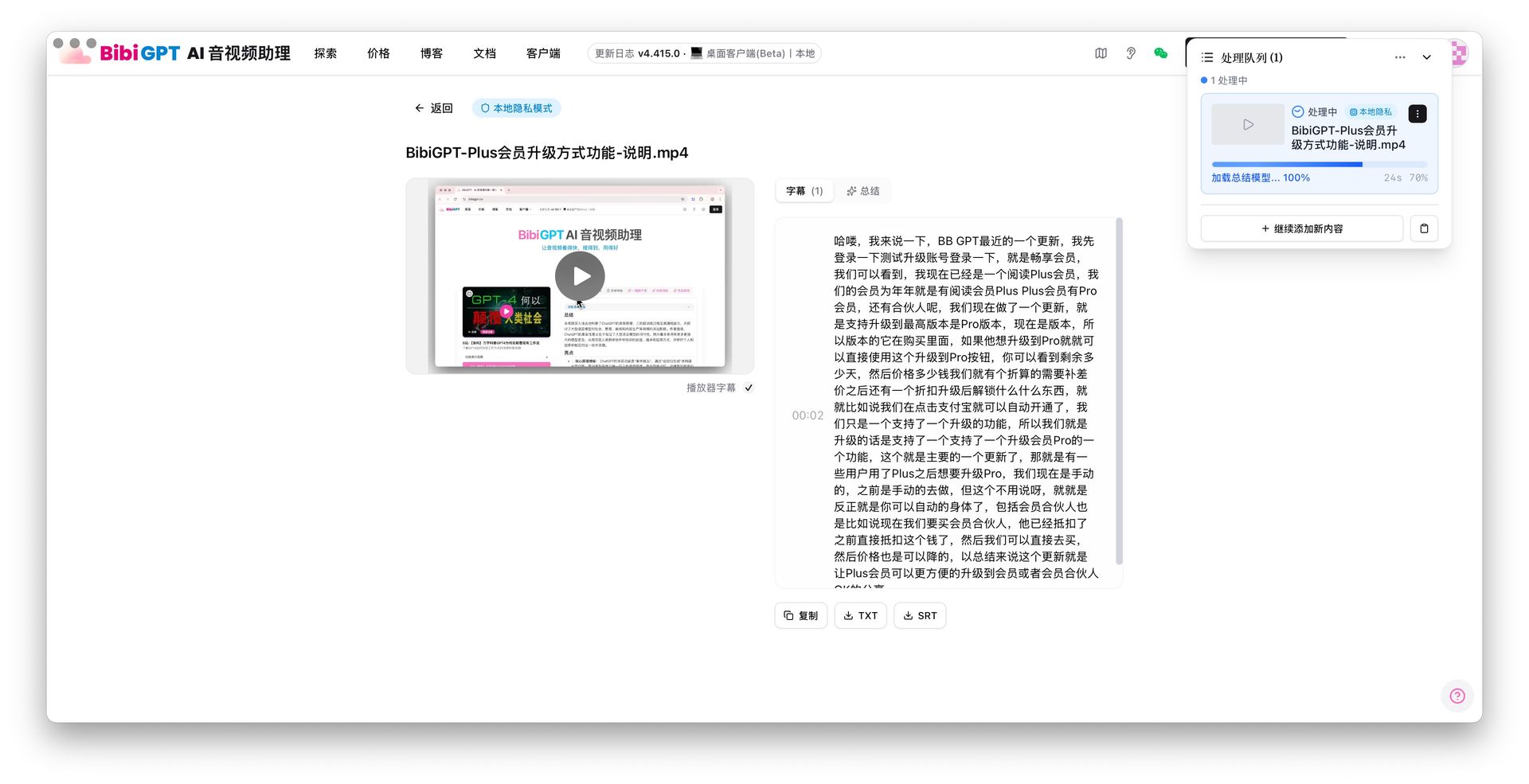
On a Mac, the Local privacy mode dialog lists macOS Speech Recognition (built-in) · Fastest as the default transcription model. It uses the system’s own speech recognition, so you do not download hundreds of MB or several GB before the first run.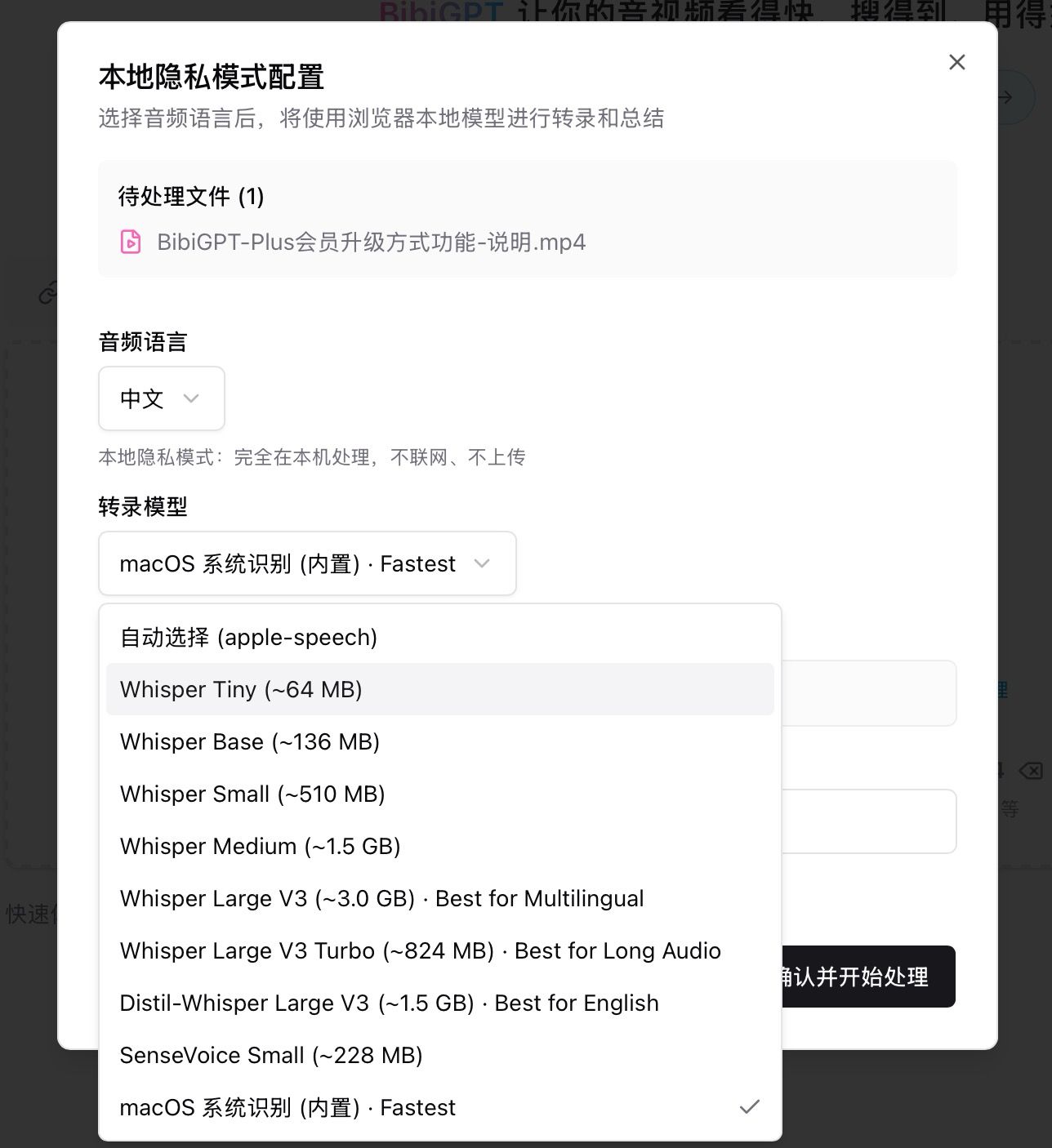
Pain Point
I want Local privacy mode on my Mac without waiting on a large transcription model. The computer already has speech recognition; I want it ready after install.Key Features
- Mac-only option macOS Speech Recognition (built-in), selected by default, marked Fastest
- No model download
- Whisper Tiny / Base / Small / Medium / Large and others stay in the list (about 64 MB to about 3 GB)
- Stays on this Mac: no upload, nothing written to the cloud library
Highlights
Local privacy mode can start immediately on a Mac instead of trading disk space for a first transcript.Use Cases
- First launch of the desktop app
- A laptop that cannot spare extra gigabytes
- Meeting audio that must not leave this Mac
Tips
- For multilingual or very long audio, compare with Whisper options in the same list
- Turn off Visual summary, then turn on Local privacy mode; pick language and model in the dialog
Related Features
Local Privacy Mode
Desktop Drag-and-Drop Upload
Custom Transcription Engine
Upgrade to Pro: higher-accuracy online summaries → Pricing