
Overview
One “Add a source” entry covers channels you already summarize, pasted links (channel pages or any RSS feed), and local folders. On desktop you can paste TikTok, Weibo, SoundCloud, Vimeo, Twitch, and similar channel URLs and list their videos; the web app can subscribe to the same sources. Creator cards support Douyin and Xiaohongshu and show every platform already supported. New items land in Feed. The web sidebar no longer labels Feed as Beta and shows an unread count. The mobile subscriptions tab opens the same Feed. When a subscribed channel gets a new summary, you can also get email or App alerts.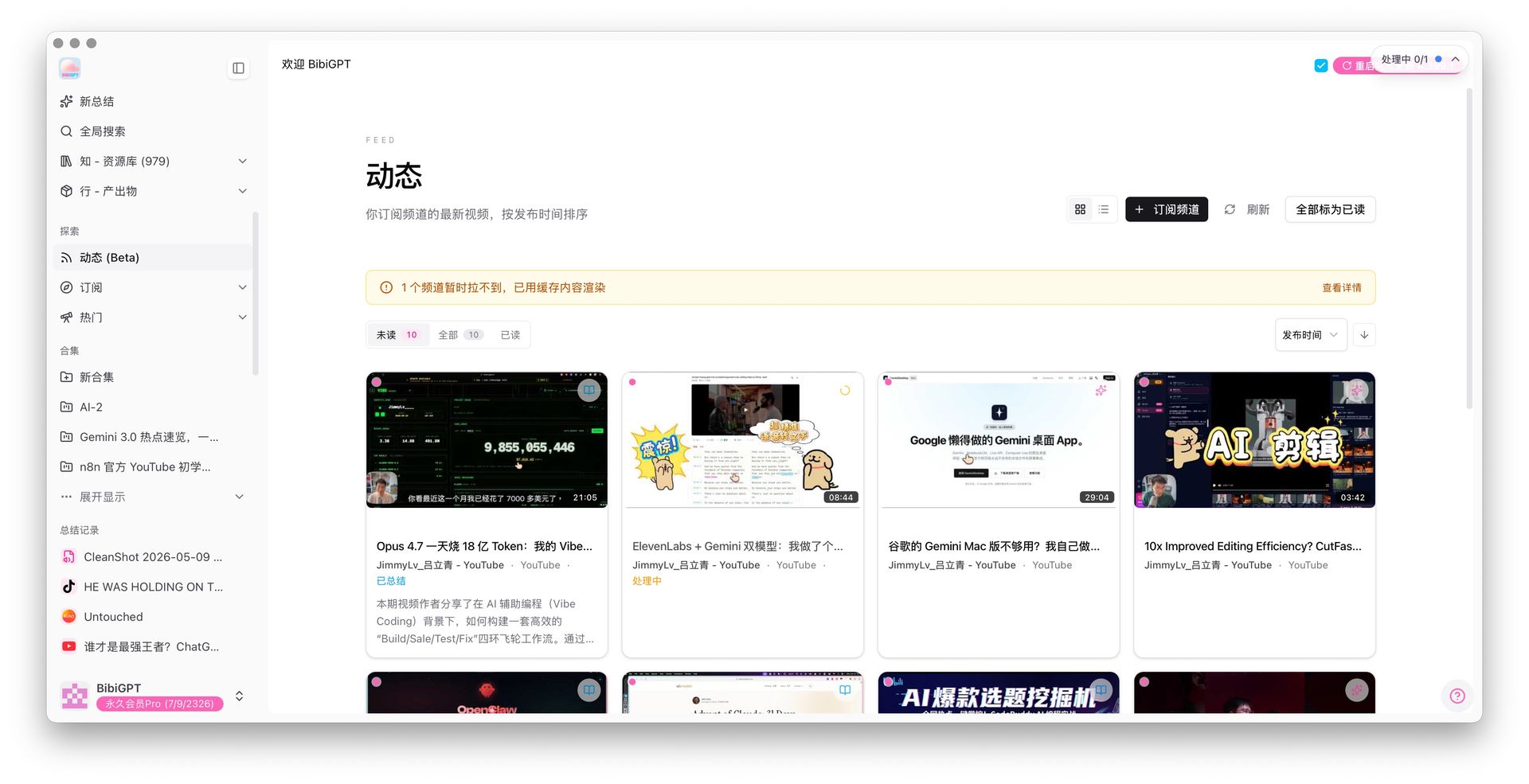
Pain Point
I follow dozens of channels but only saw a list of who I subscribed to. New videos meant opening each channel page. Web and phone did not match, and alerts were easy to miss.Key Features
- Three sources: one-click subscribe from watched channels; paste Bilibili / YouTube / podcast homepages or any RSS; watch a local folder on desktop. Desktop can also follow TikTok, Weibo, SoundCloud, Vimeo, and Twitch channels; the web app uses a fallback path for the same sources
- Creator cards: Douyin and Xiaohongshu are supported, and the card lists every platform already available
- Feed: newest videos by time, with Unread / All / Read and source filters such as YouTube and Bilibili
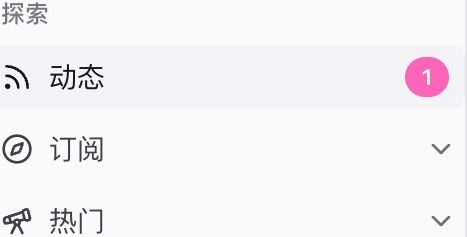
- Unread badge: see new items from the sidebar without opening Feed
- App Feed: the mobile subscriptions tab opens the same stream; summarized items deep-link to the content
- Email and App push: turn on channel-update alerts in profile settings
- Folders and batch actions: group sources and multi-select to summarize or add to a collection
Highlights
Subscriptions manage sources; Feed is where you catch up. Web, App, and email share the same updates.Use Cases
- Follow many Bilibili / YouTube channels plus industry RSS in one timeline
- Browse Feed on the phone, then batch-summarize on the web
- Get notified as soon as a subscribed channel has a new summary
Tips
- Start from Watched channels, then paste RSS for off-platform sources. Open Feed when the badge shows a number
- Enable channel-update alerts in profile settings and confirm a working email. Limit alerts to subscribed channels if you do not want noise
Related Features
Creator / Channel Subscription
Subscription Dashboard
Folder Monitoring Auto-Import
Upgrade to Pro: unlock more subscription and batch-summary tools → Pricing