
Overview
The sidebar Outputs Hub gathers prompt results, highlight notes, chats, images, articles, and podcasts in one place. You can now delete any deletable type one by one, or batch-clean by type—not only chats.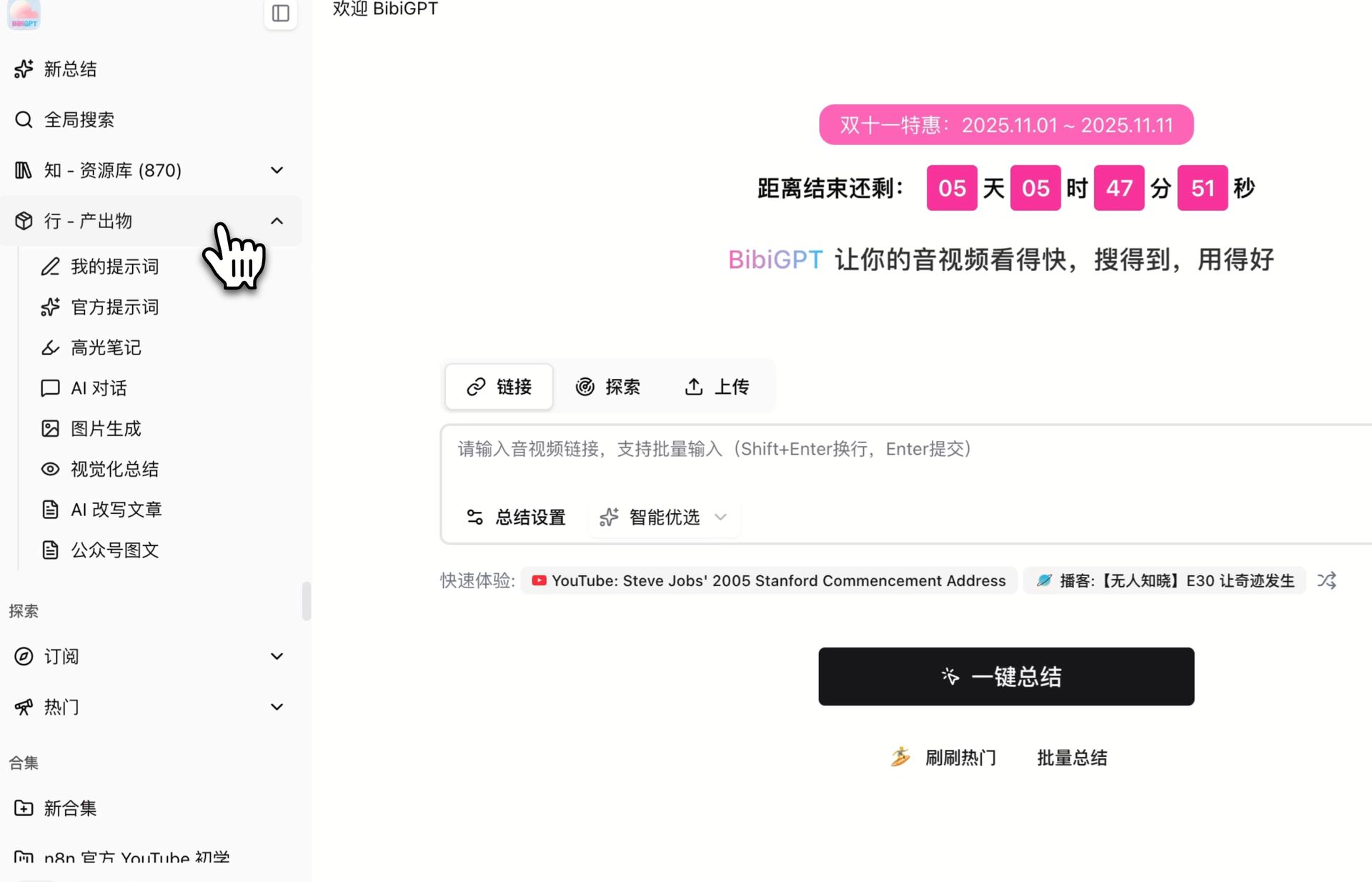
Pain Point
I generate chats, images, articles, and highlights around the same videos. Only chats were easy to delete. Everything else piled up, and batch cleanup did not cover those types.Key Features
- Groups chats, highlights, images, music, podcasts, rewrites, illustrated articles, visual analysis, polish jobs, and prompt summaries
- Single-item delete on those types from the card itself
- Batch cleanup groups by type and asks for confirmation; switching tabs exits selection so you do not delete the wrong set
- Quick notes only clear the note text; translation outputs remove the translated language and keep the original
- Flashcards can be deleted from Outputs; prompt templates are definitions, not output records, so they stay unmanaged here
Highlights
Outputs are not just findable—you can actually clear stale ones by item or by batch.Use Cases
- You tried several prompts or images and only want the keepers
- Periodic cleanup of old chats, articles, and highlights
- Clearing draft outputs after a course or collection is done
Tips
- Switch to the right type before starting batch cleanup, then confirm the count
- For translations, confirm you are removing the translation, not the original. Manage prompt templates in prompt settings, not here
Related Features
Bulk Delete Summaries
AI Chat Window
Outputs List Collapse Optimization
Upgrade to Pro: unlock more generation and export tools → Pricing