
Feature Overview
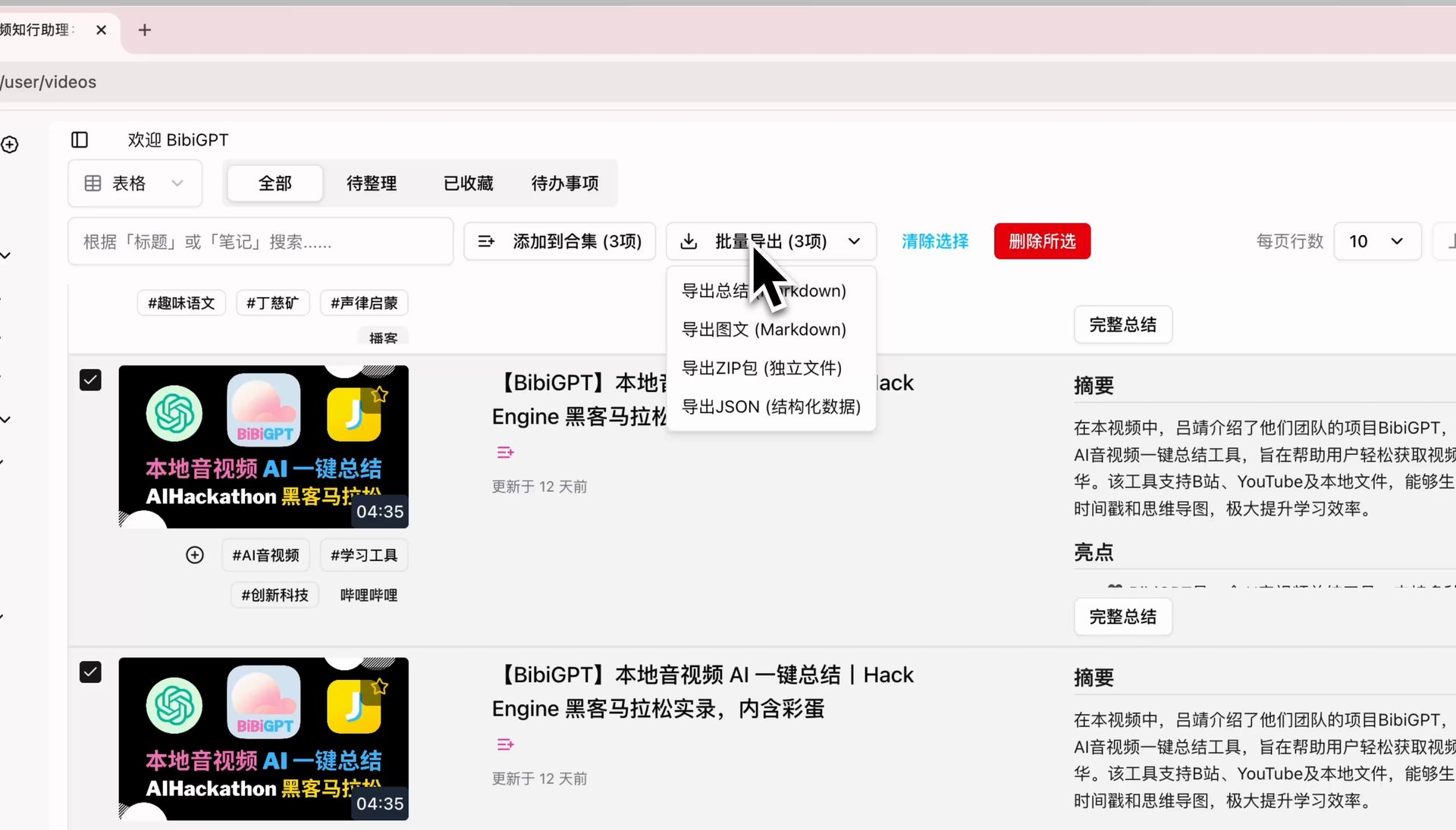
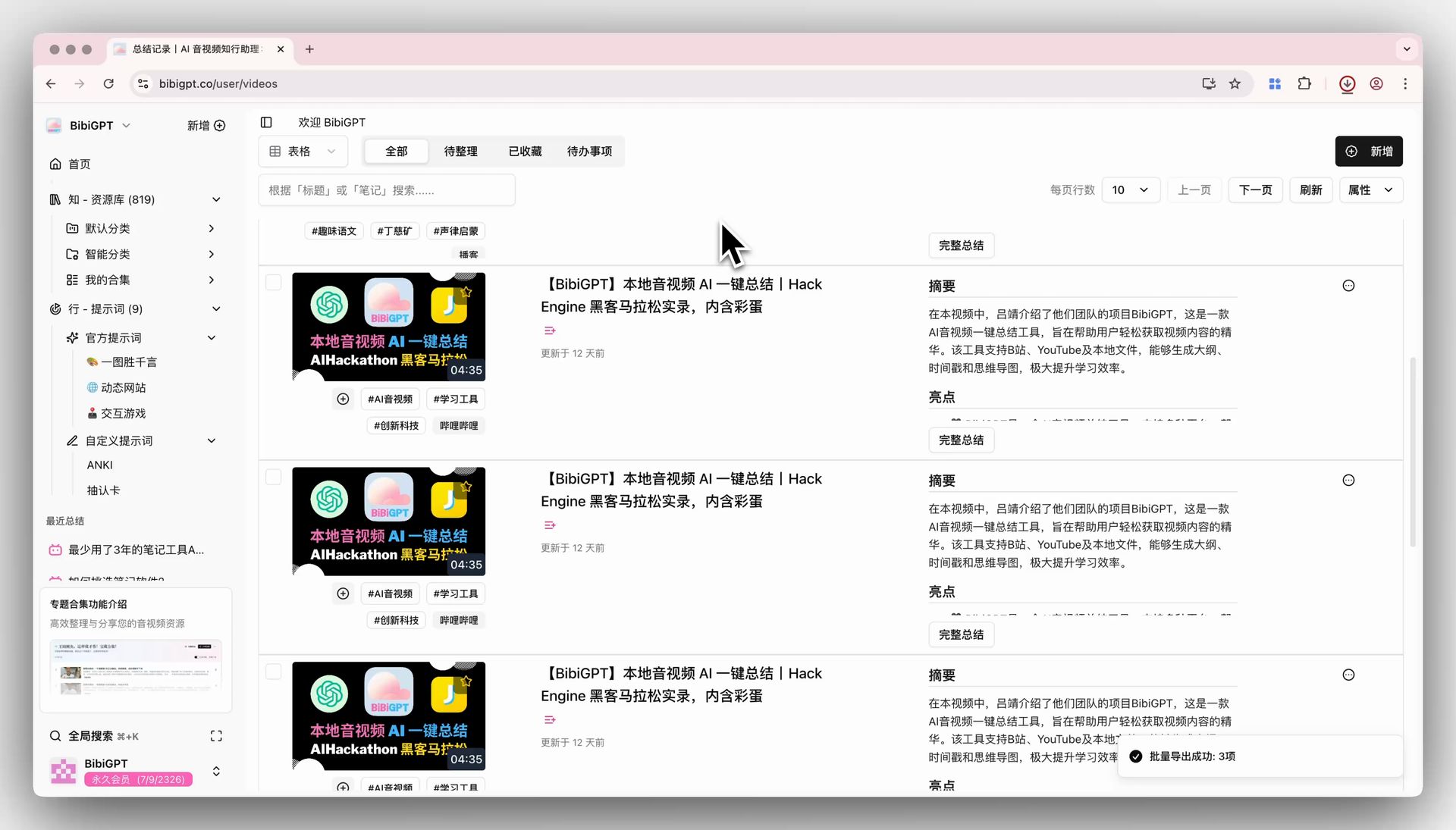
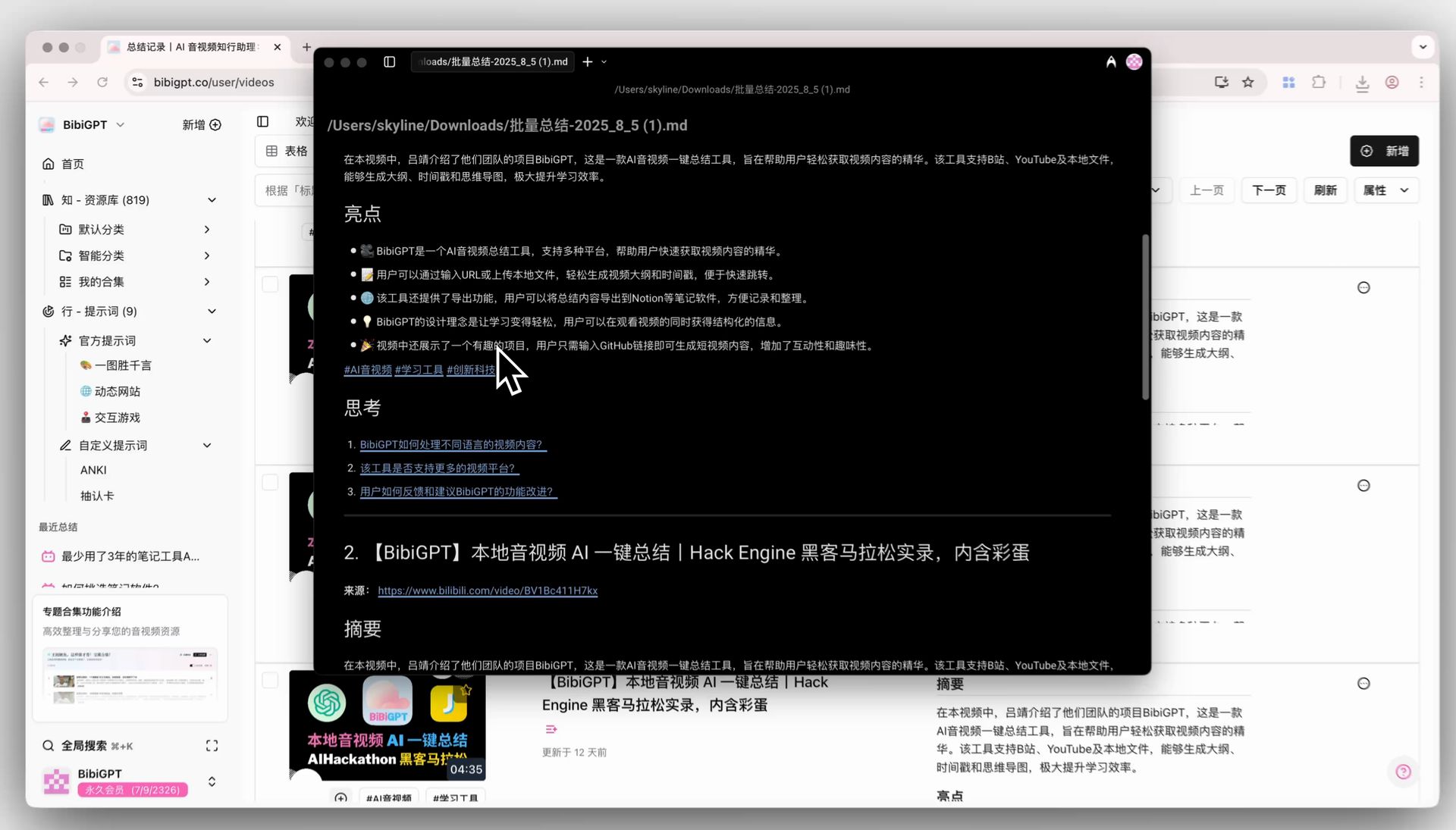
BibiGPT has added a “Batch Export” function, aimed at solving the pain point of users needing to organize and migrate a large number of summarized video contents. When users have multiple video summaries to export but haven’t set up note software integration, they no longer need to copy one by one. Simply check the required content on the “Summary Records” page to batch export multiple summaries as Markdown (summary or illustrated), independent ZIP packages (containing SRT, MD, JSON files), or structured JSON data with one click, greatly simplifying the content management process. Here is an example of the function interface: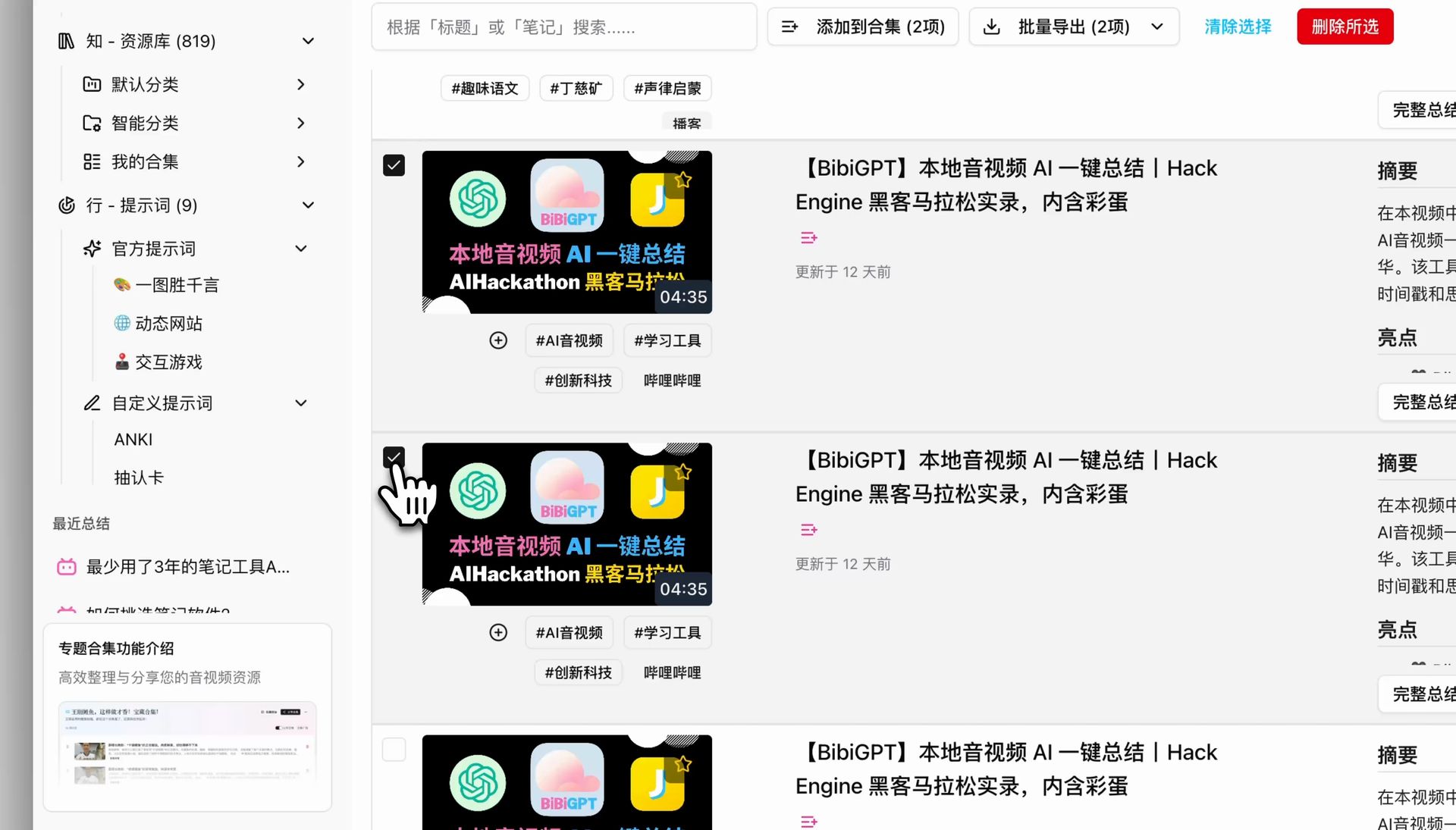
Solved Pain Points
I used BibiGPT to summarize many videos, but didn’t configure note software integration before. Now I want to export all these summarized contents for study. Copying and pasting notes one by one would be too troublesome.Core Features
- BibiGPT added “Batch Export” to help users organize and migrate summarized content.
- No need to copy one by one even without note software linkage.
- One-click batch export of multiple summaries as Markdown, ZIP, or JSON from the “Summary Records” page.
- Users can select multiple summaries via checkboxes and export them all at once in various formats, significantly boosting efficiency.
Feature Highlights
BibiGPT provides a batch export function. Users can select multiple video summaries via checkboxes on the summary records page and export them all to Markdown, independent file zip packages, or JSON formats with one click, greatly improving organization and learning efficiency. There are four specific export options: Export Summary (Markdown), Export Illustrated (Markdown), Export ZIP package (independent files), Export JSON (structured data).Applicable Scenarios
- I used BibiGPT to summarize many videos, but didn’t configure note software integration before. Now I want to export all these summarized contents for study. Copying and pasting notes one by one would be too troublesome.