
Feature Overview
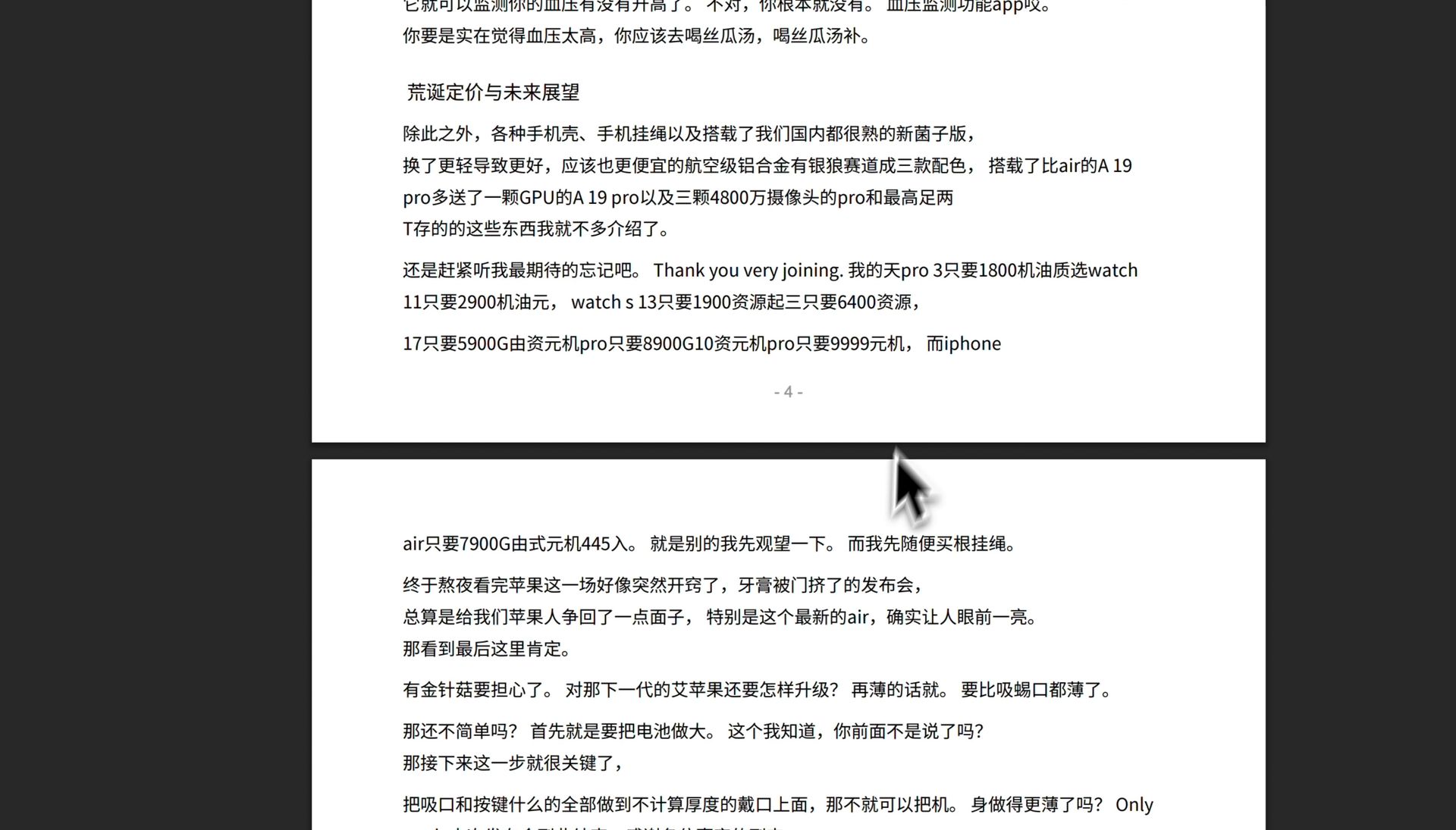
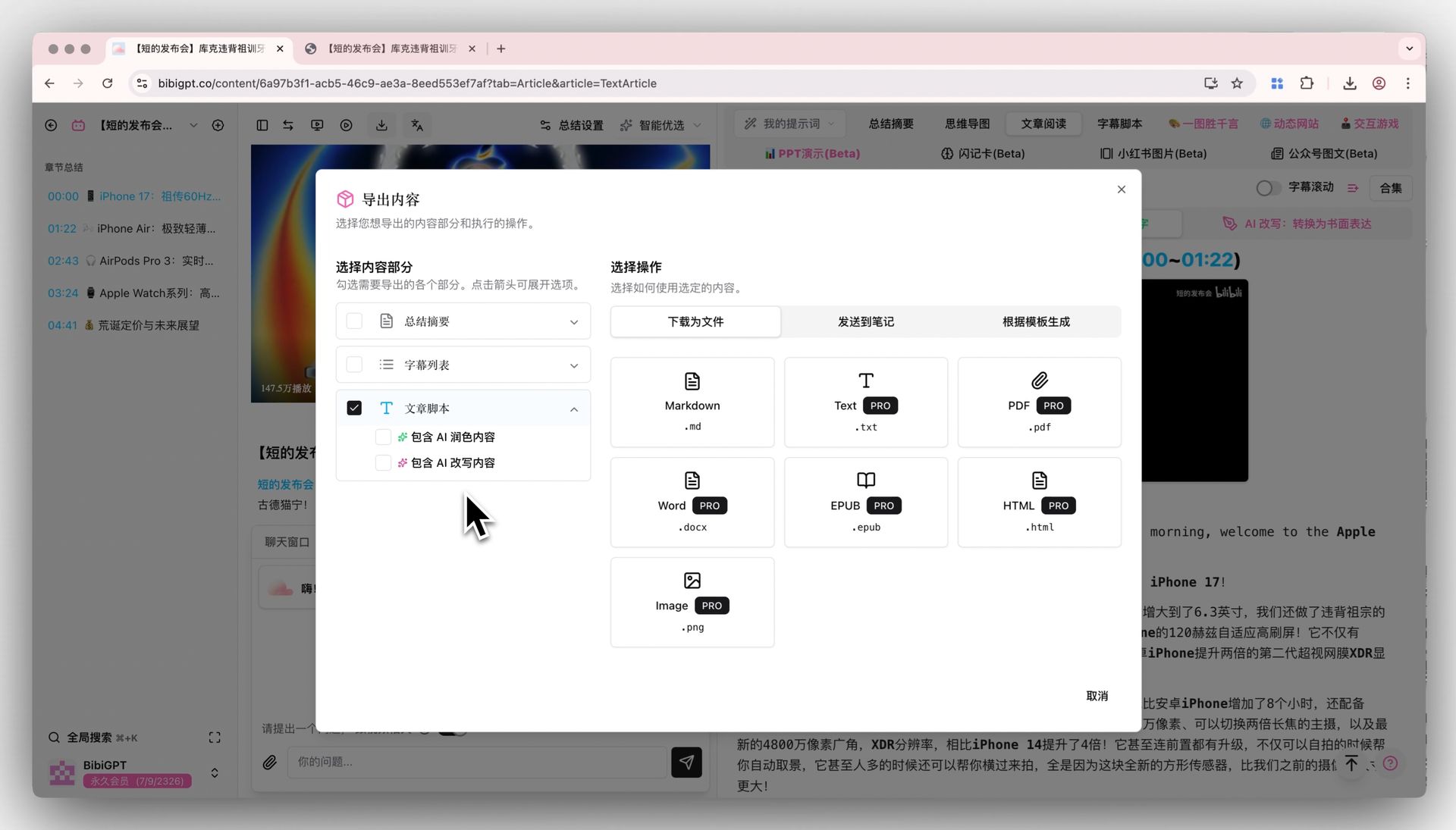
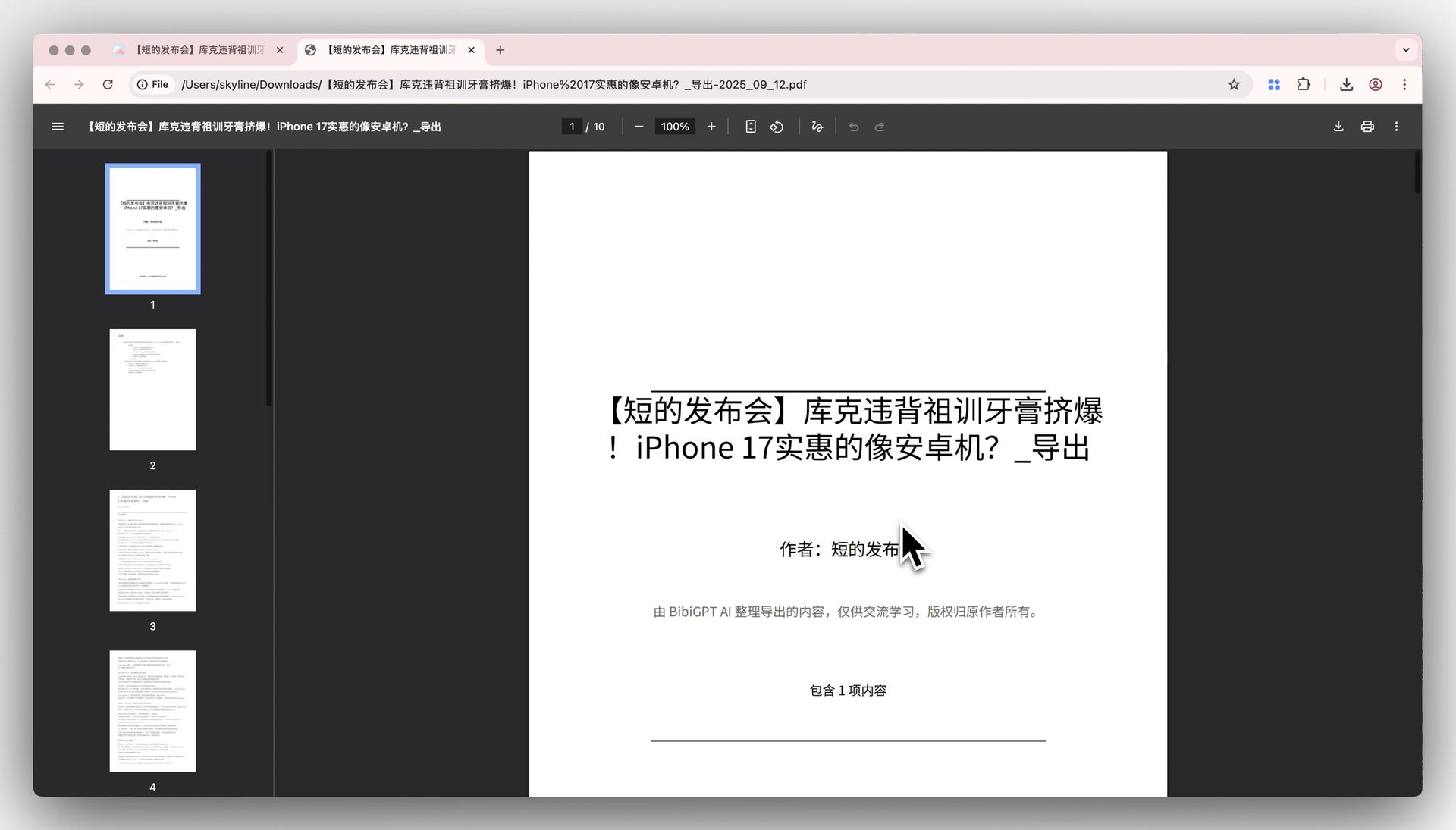
BibiGPT’s new feature solves the pain point of users being unable to include images and facing poor typesetting when exporting to PDF. After generating illustrated notes using the “AI Polish” function, users can now choose to include polished content when exporting to PDF, thereby obtaining a truly illustrated PDF document. Additionally, the typesetting of the new PDF export has been optimized, featuring a more beautiful cover and table of contents, and resolving the issue where text was incorrectly truncated by page breaks, significantly improving the reading and sharing experience. Here is an example of the function interface: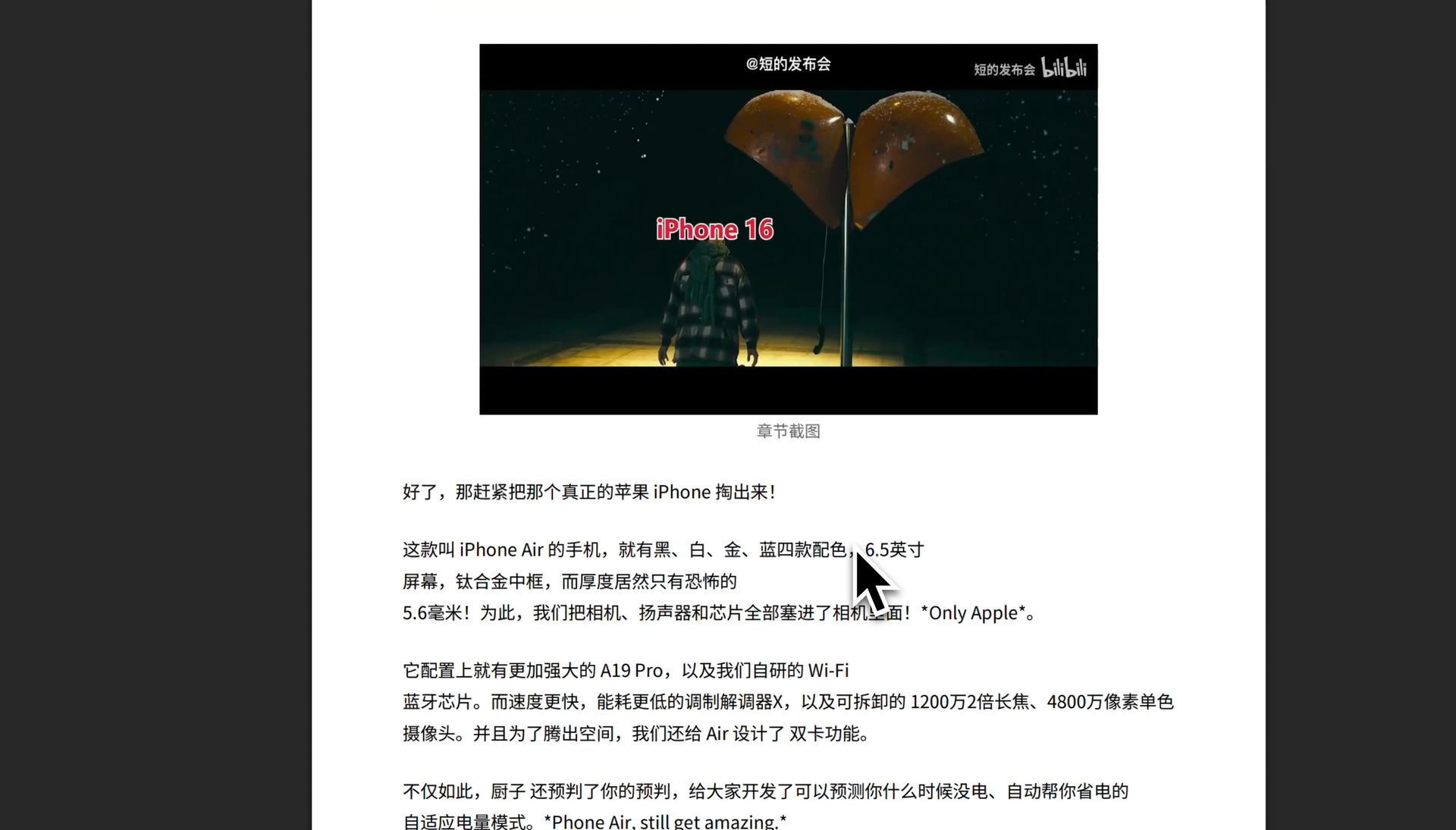
Solved Pain Points
Previously, I used BibiGPT to summarize videos, and the “Article Reading” view had great screenshots, but when I exported to PDF, these images were lost, leaving only plain text, which made sharing and archiving inconvenient. Also, sometimes the exported PDF format would break a sentence in the middle and split it across two pages, resulting in a poor reading experience.Core Features
- BibiGPT’s new feature allows PDF exports to include images and improved typesetting.
- Users can choose to include content from the “AI Polish” feature for illustrated PDFs.
- Optimized typesetting includes a beautiful cover and table of contents.
- Resolved issue of text being incorrectly truncated by page breaks.
- BibiGPT optimized the PDF export function, now enabling video screenshots from articles to be exported together for a truly illustrated experience.
Feature Highlights
BibiGPT optimized the PDF export function, now enabling video screenshots from articles to be exported together for a truly illustrated experience. Simultaneously, the PDF typesetting and pagination logic have been optimized to ensure content integrity and smooth reading.Applicable Scenarios
- I previously used BibiGPT to summarize videos, and the “Article Reading” view had great screenshots, but when I exported to PDF, these images were lost, leaving only plain text, which made sharing and archiving inconvenient.
- Also, sometimes the exported PDF format would break a sentence in the middle and split it across two pages, resulting in a poor reading experience.