
Feature Overview
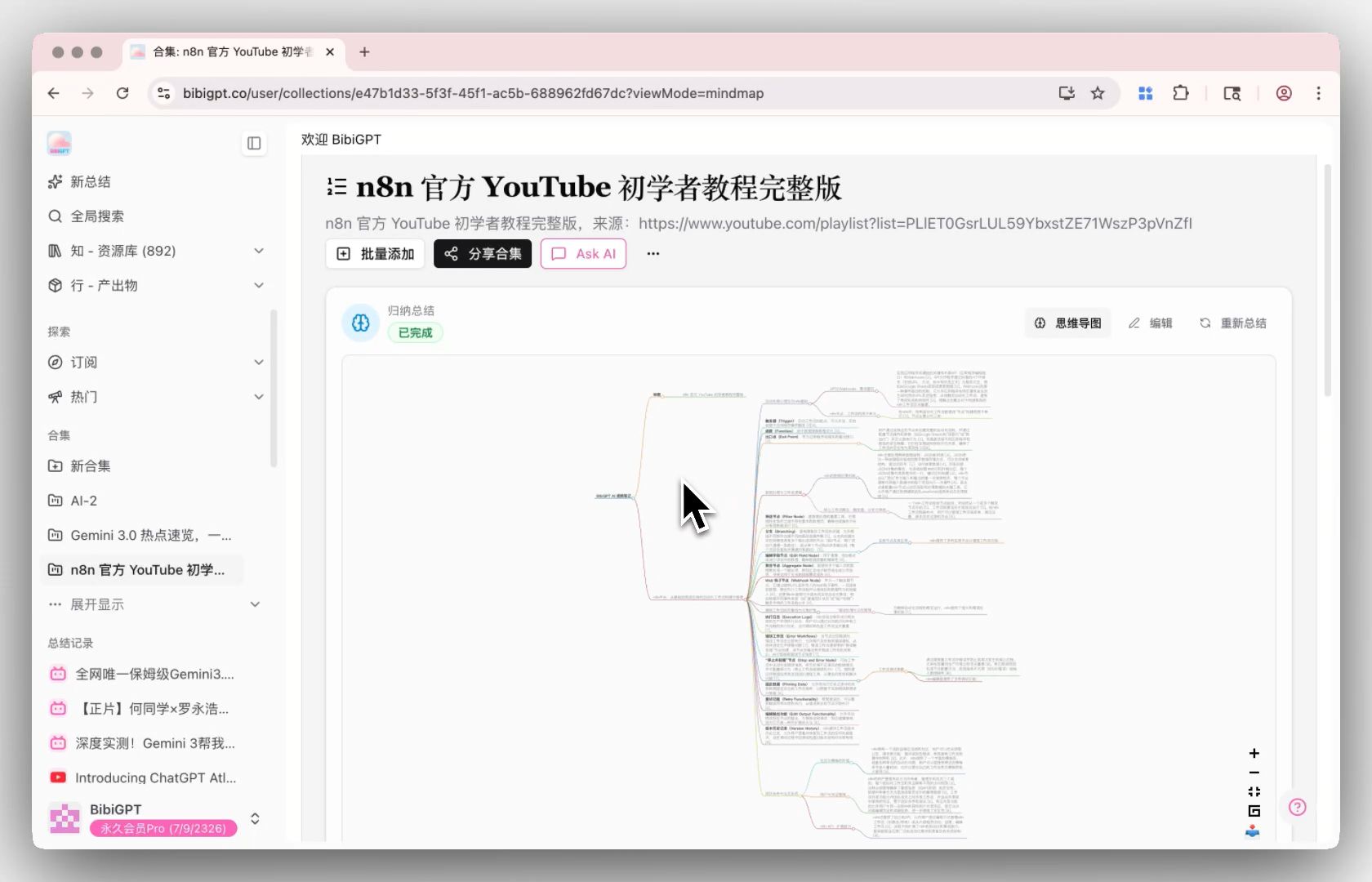
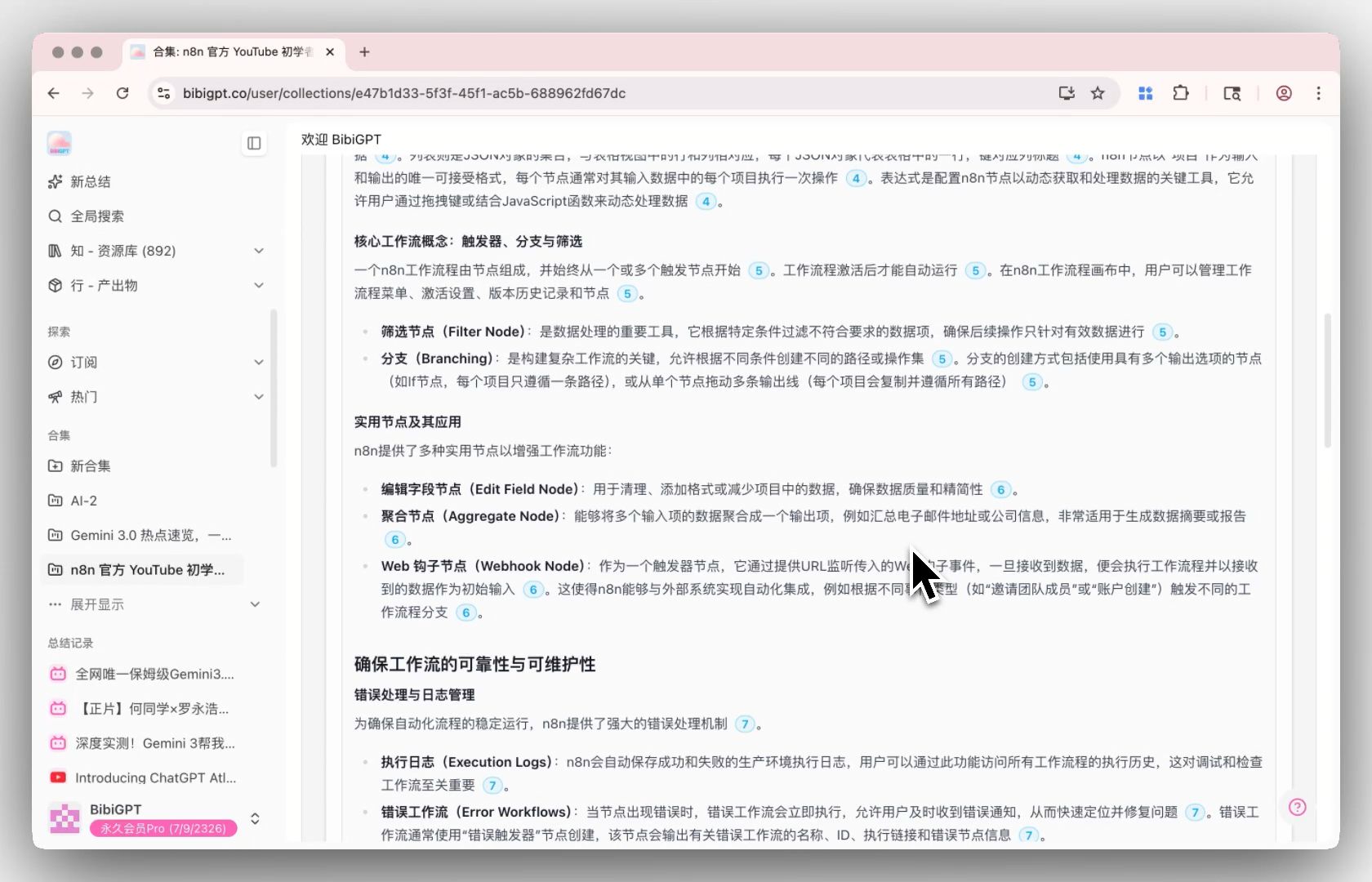
BibiGPT has launched a brand new “Video Collection” inductive summary function. Now, you can directly manually click “Summarize Now” at the top of the collection page, and the system will then analyze all video content in the current collection, generating a structured inductive overview with one click, accompanied by expandable citations for tracing back to details. It also supports one-click generation of detailed mind maps and re-editing of the summary text. This greatly improves the user’s overall grasp and management efficiency of large batches of video knowledge content - the inductive summary process is always initiated by the user, preventing automatic accidental touches. Here is an example of the function interface: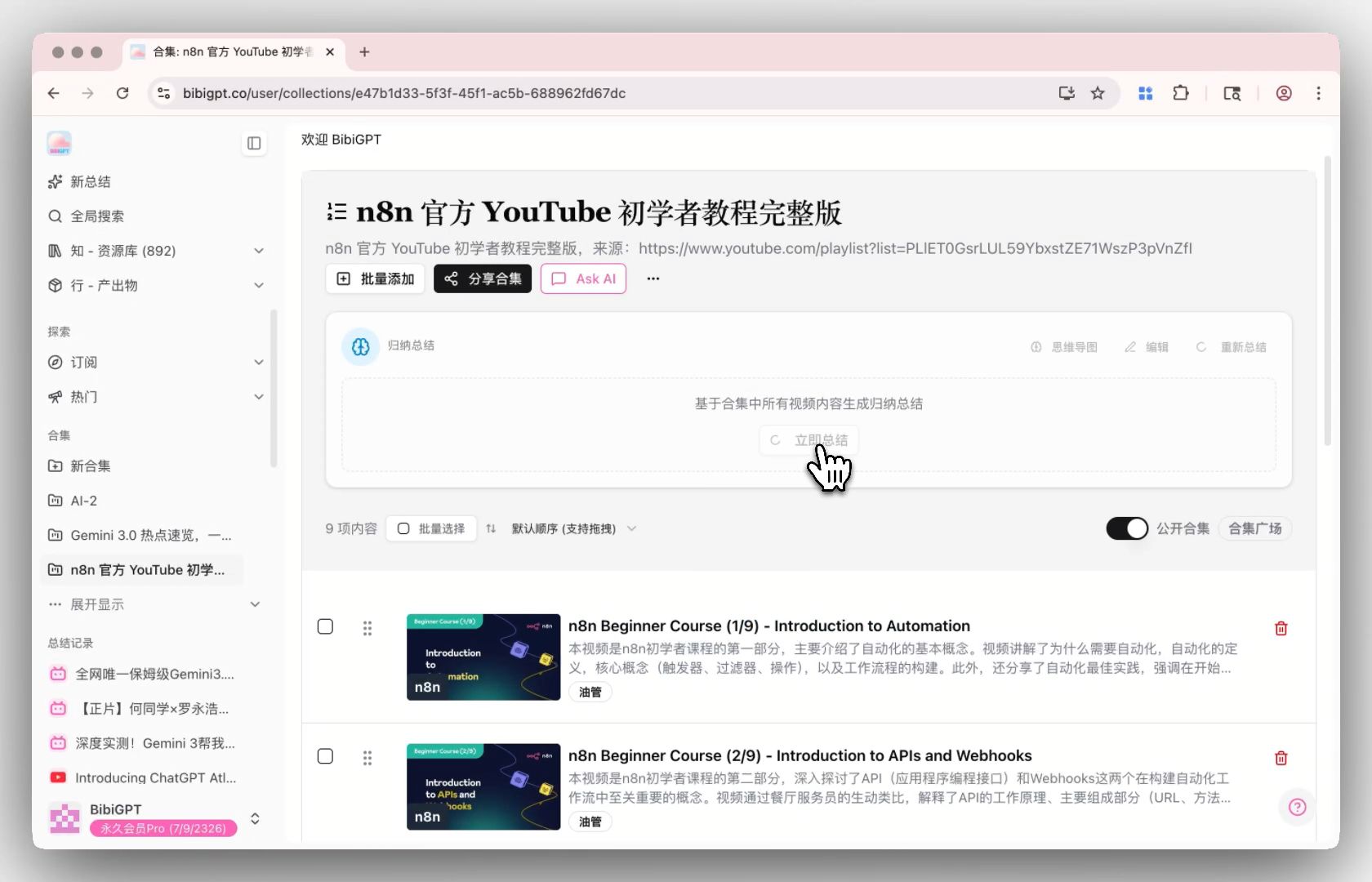
Solved Pain Points
“I added a dozen related videos (such as Wang Gang’s cooking tutorials or a series of courses) to a favorites list, but I lack a global perspective. If I don’t finish watching all of them, I won’t know what core system this whole set of content is talking about. Opening them one by one is too much of a waste of time.”Core Features
- BibiGPT has launched a brand new “Video Collection” inductive summary function.
- Manually click “Summarize Now” at the top of the collection page to analyze all videos and generate a structured overview in one click.
- Supports one-click generation of detailed mind maps and re-editing of summary text.
- Cross-episode timestamp jumping: Nodes in the mind map, summary citations, and timestamps are directly linked with the player—clicking any timestamp jumps immediately to the exact episode and playback point in the collection.
- Greatly improves knowledge management for multi-video series, with processing always initiated by the user.
Feature Highlights
Click “Summarize Now” at the top of any collection page to produce a comprehensive summary across all included videos. Beyond long-form structured overviews, it fully supports seamless cross-episode navigation: clicking any mind map topic node or citation timestamp prompts the player to switch to the corresponding episode and resume playback at that exact point. Summaries can also be freely edited for custom note-taking.Applicable Scenarios
- I added a dozen related videos (such as Wang Gang’s cooking tutorials or a series of courses) to a favorites list, but I lack a global perspective.
- If I don’t finish watching all of them, I won’t know what core system this whole set of content is talking about. Opening them one by one is too much of a waste of time.
Usage Suggestions
- When exploring collection mind maps or summary outlines, click directly on any timestamp or citation to immediately load the corresponding episode and jump to the exact moment.
- Once generated, you can export the full collection summary or launch an in-collection AI Chat to ask cross-video questions across the entire series.