
Feature Overview
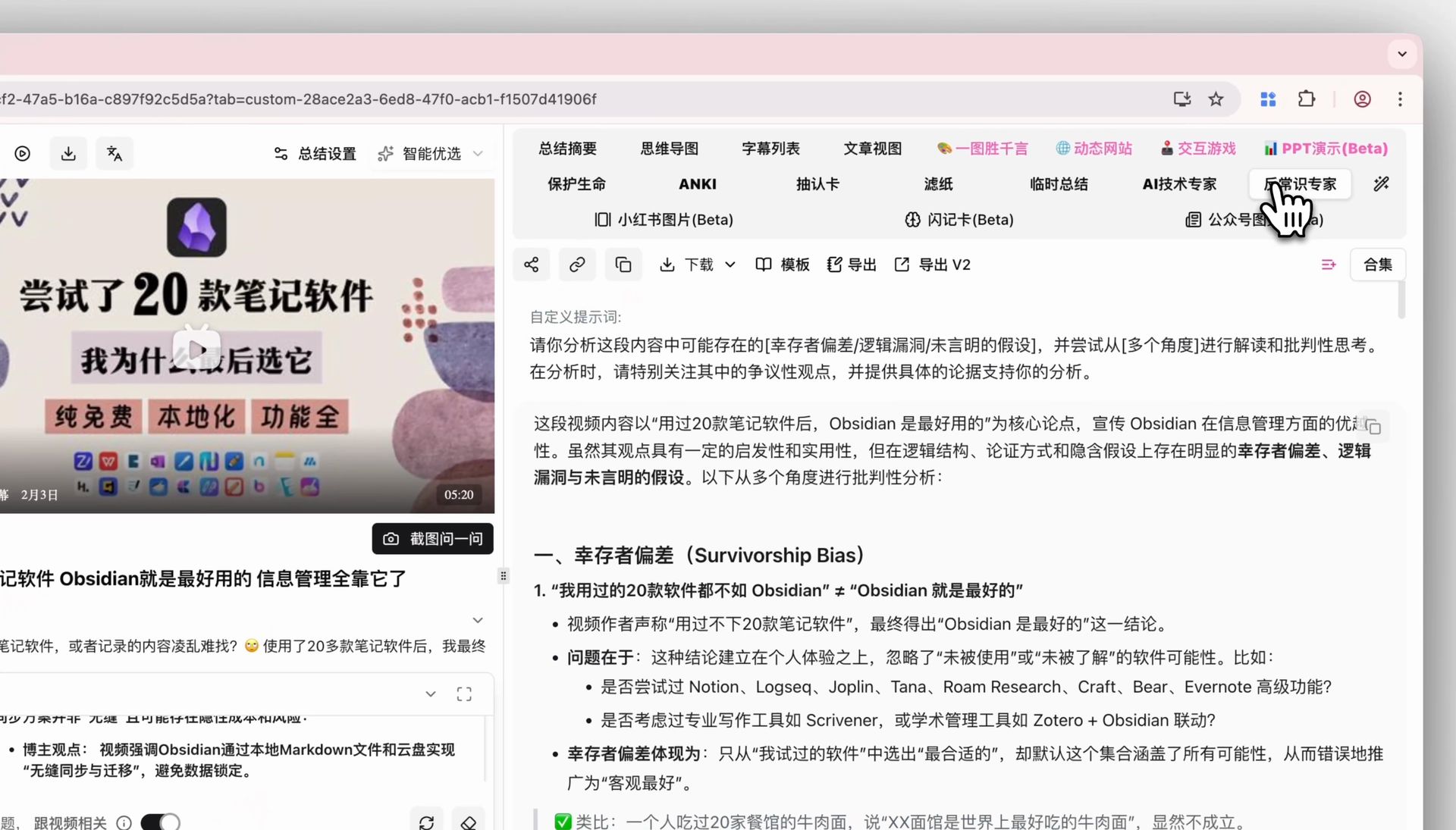
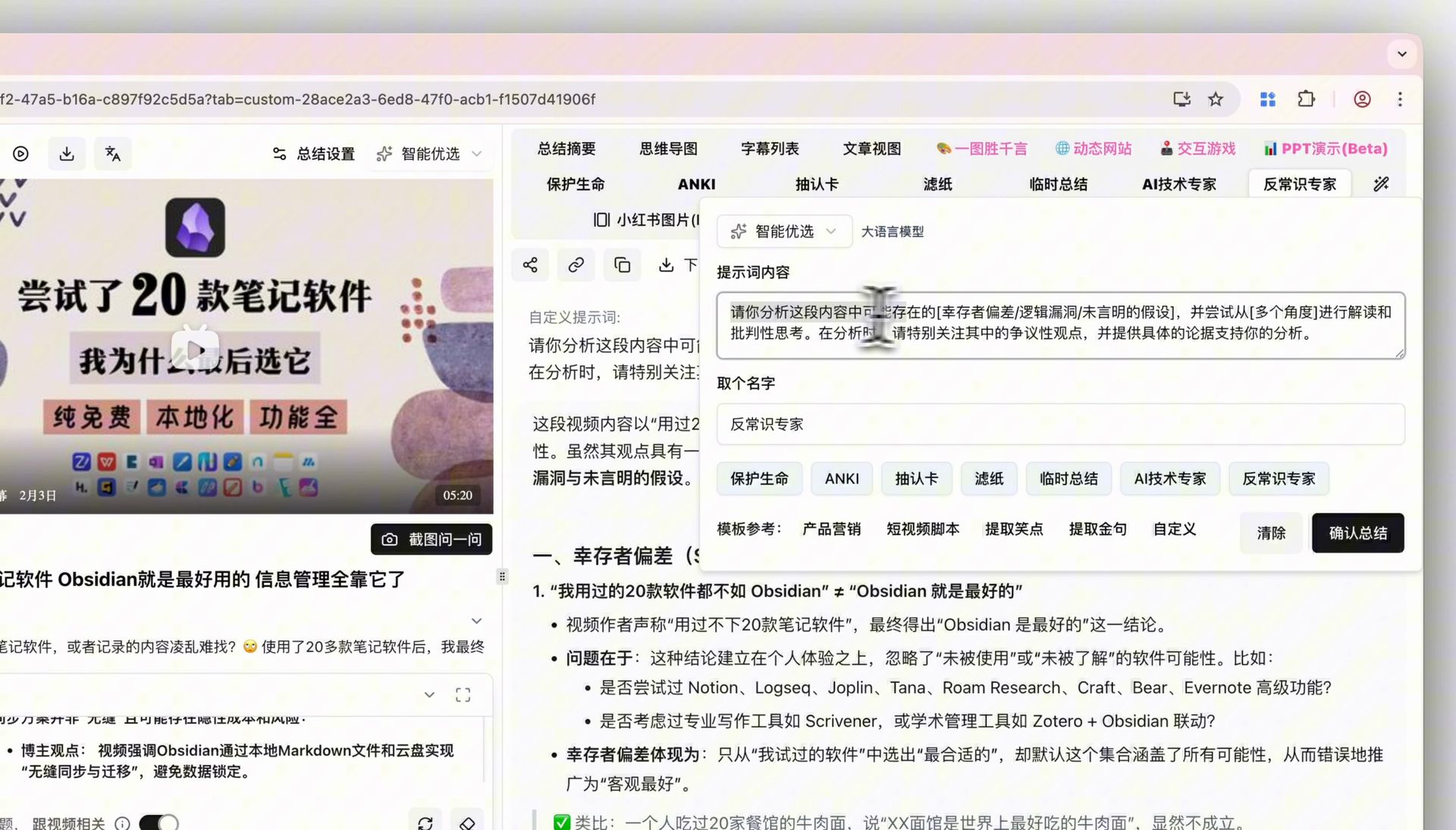
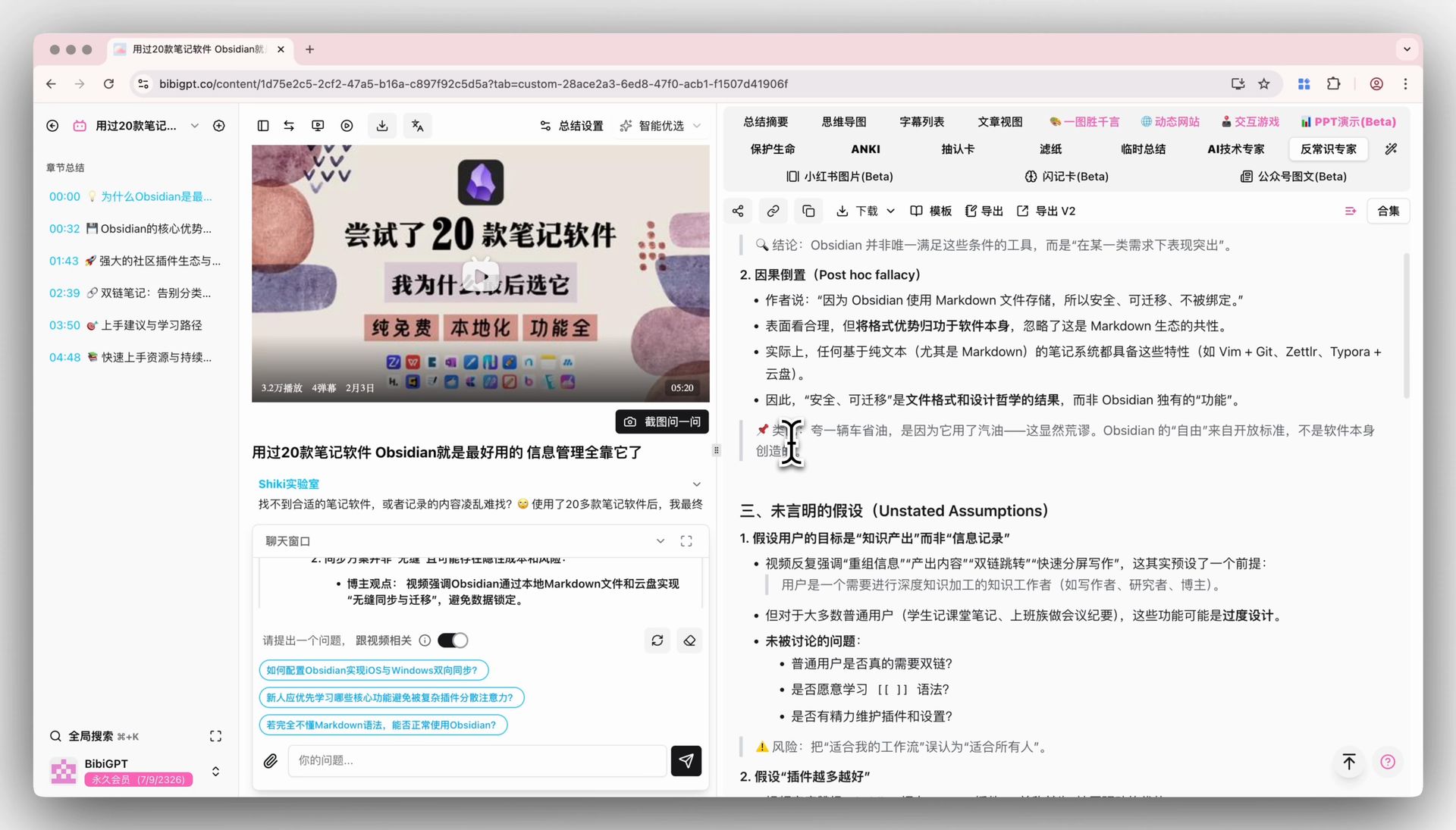
BibiGPT launched the “Custom Prompt” function to solve users’ needs for personalized content summary. Users are no longer limited to the default summary and can create and save exclusive summary instructions (Prompts) according to their own ideas. This function provides two entries: one is to set it directly below the input box on the home page before the summary starts; the other is to click the “magic wand” icon in the toolbar of the detail page after the summary is completed to perform secondary and deep processing of the existing content. Users can easily call custom templates such as “Anti-common Sense Expert”, “Anki Cards”, “AI Technical Expert”, etc., to generate summaries that meet specific needs, achieving truly personalized knowledge processing. Here is an example of the function interface: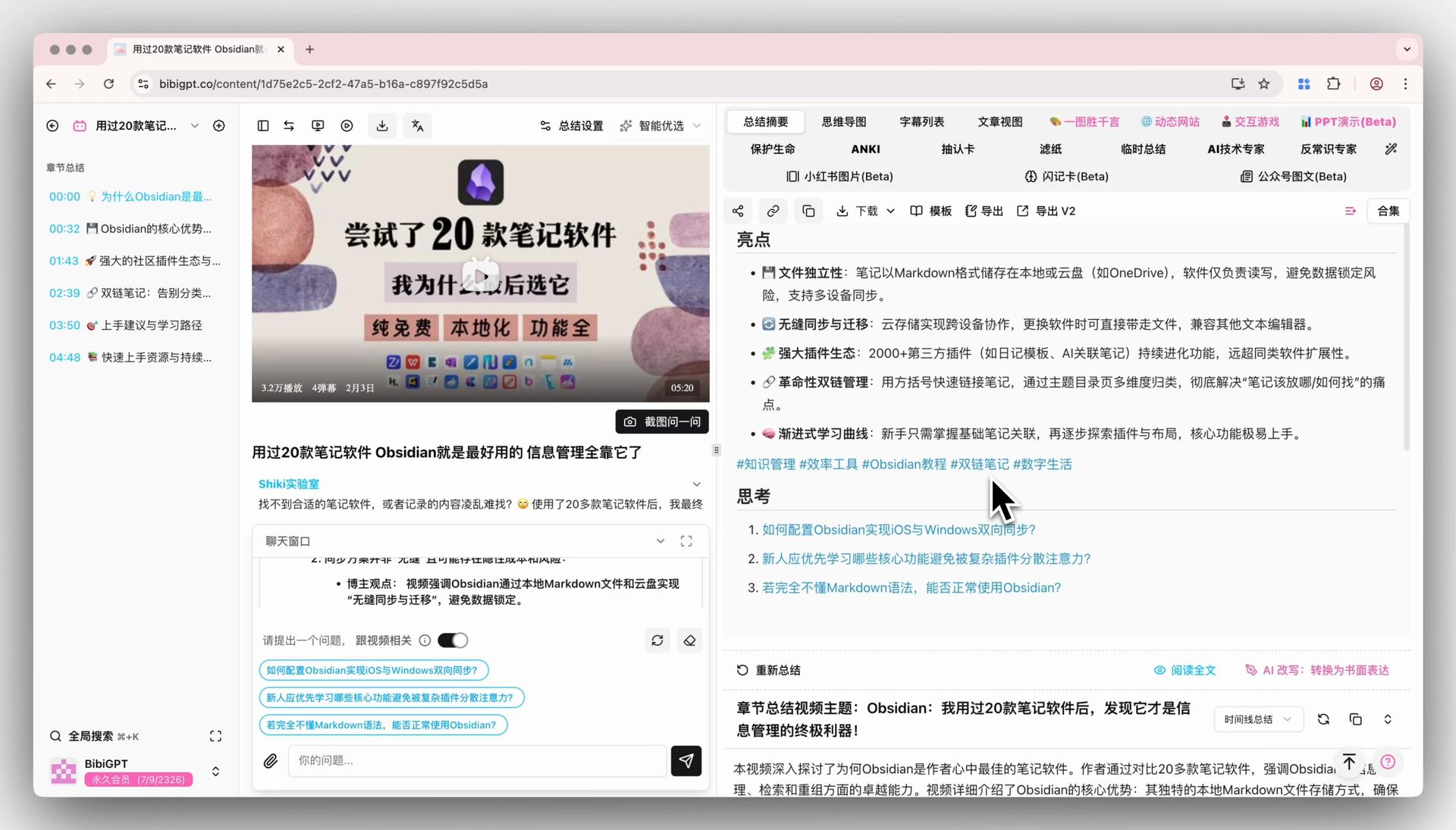
Solved Pain Points
I am not satisfied with just the standard summary generated by default by BibiGPT. I hope to summarize audio and video content according to my own specific needs and thinking framework (such as critical thinking, extracting professional terms, generating Anki cards, etc.), but manual organization is time-consuming and laborious.Core Features
- BibiGPT launched the “Custom Prompt” function to solve users’ needs for personalized content summary.
- Users are no longer limited to the default summary and can create and save exclusive summary instructions (Prompts) according to their own ideas.
- This function provides two entries: one is to set it directly below the input box on the home page before the summary starts;
- the other is to click the “magic wand” icon in the toolbar of the detail page after the summary is completed to perform secondary and deep processing of the existing content.
Feature Highlights
BibiGPT’s “Custom Prompt” function allows users to enter and save personalized summary instructions before or after the summary, calling up their own “summary formula” with one click, generating highly customized content, and returning control over AI summary to the user.Applicable Scenarios
- I am not satisfied with just the standard summary generated by default by BibiGPT. I hope to summarize audio and video content according to my own specific needs and thinking framework (such as critical thinking, extracting professional terms, generating Anki cards, etc.), but manual organization is time-consuming and laborious.